Cricut Explore 5 vs Siser Romeo: Which Cutter Fits Your Workflow
Put the Cricut Explore 5 and the Siser Romeo side by side and you won't find a winner. You'll find two machines built for different people, at a $400 price gap that reflects something more fundamental than brand positioning.
WIRED concluded this past Friday, after several weeks of hands-on testing spanning layered cardstock bookmarks, HTV hoodies, vinyl-decaled cups, and appliqué pieces, that comparing them directly "wasn't particularly useful" because they "solve different problems and are for different consumers." The Explore 5 starts at $199. The Romeo runs $600. Before going further, here's the decision in plain terms: if you're a hobbyist who crafts on weekends and stores the machine between sessions, buy the Explore 5. If you're running repeat orders and need to cut 25 inches wide without babysitting proprietary materials, the Romeo pays for itself. Everything below is the evidence behind that split.
Five factors drive the choice:
- Usage frequency: occasional weekend projects vs. repeat daily production
- Workspace: shared kitchen table vs. dedicated studio with a permanent setup
- Volume and repeatability: one-off custom pieces vs. batches of identical designs
- Software tolerance: guided, step-by-step experience vs. manual control with a learning curve
- Budget: entry cost plus ongoing material and subscription costs
Cricut Explore 5: easier to live with
Video of the Day
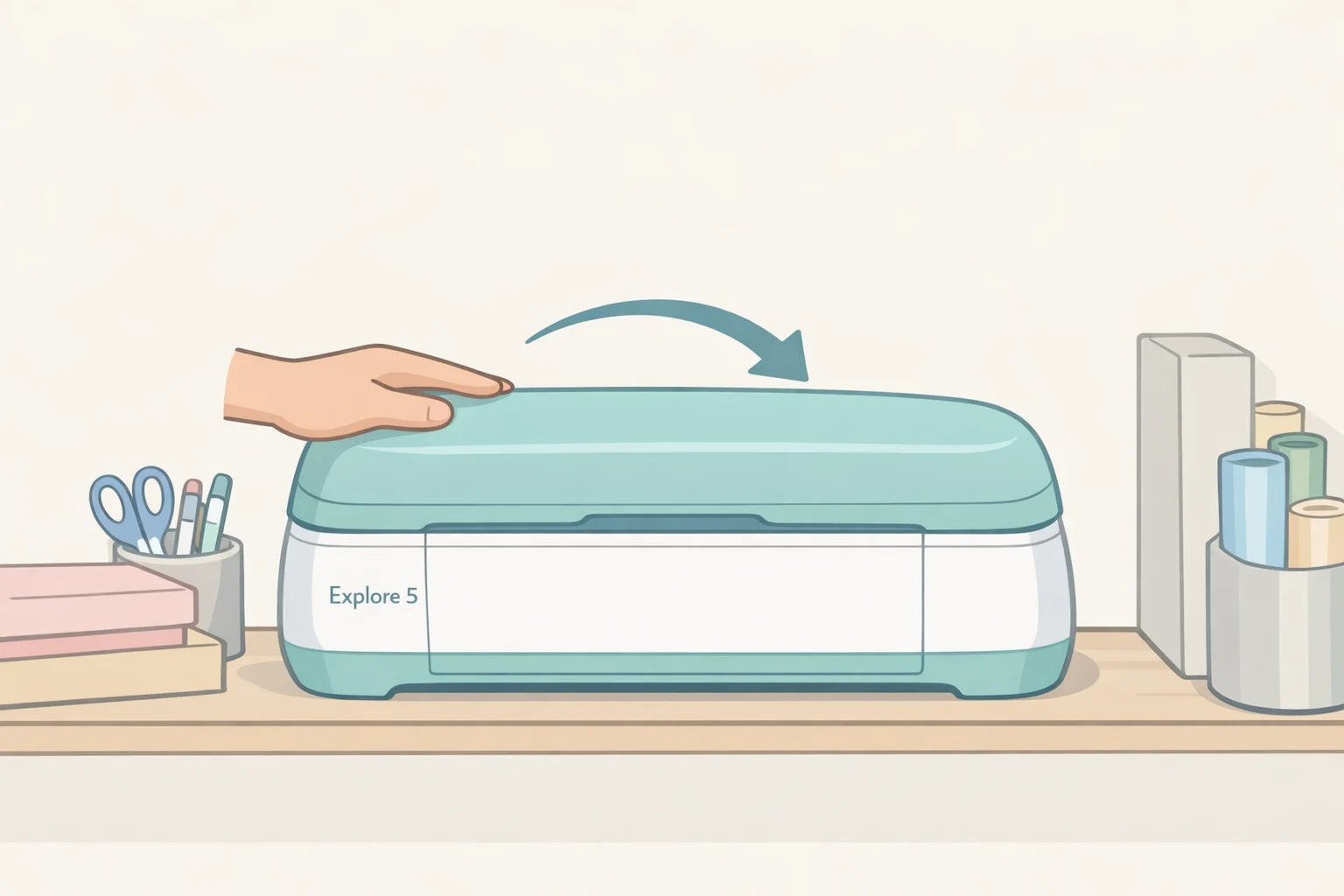
The Explore 5 is "designed for the more casual crafter making things like bookmarks, banners, and the occasional T-shirt," per WIRED. Every hardware decision follows from that. At 19.8 x 7.5 x 4.7 inches and 10 pounds, it doesn't demand a permanent workstation WIRED notes it fits under 20 inches wide and can be stored between sessions. The clamshell lid folds closed to protect the blade from dust. Cricut's own documentation puts it as 30% more compact than the previous Explore model, designed explicitly for apartments and shared spaces (Cricut blog, early 2026).
The Load and Go system is what WIRED's reviewer describes as "about as close to plug-and-play as a cutting machine gets": load material on the mat, feed it into the machine, press the flashing Go button (WIRED). When using Cricut's Smart Materials, no mat is needed at all, and the machine handles continuous cuts up to 12 feet long though that matless workflow is tied to Cricut's own branded materials, which matters for buyers who prefer sourcing from third parties (Cricut blog, early 2026).
The software is a genuine advantage. Design Space walks users through common project types step by step T-shirts, vinyl decals, cards, full-color stickers and a Live Project Preview feature lets users see designs scaled against real objects before cutting. The full library runs to 1.5 million-plus images and 100,000-plus ready-made projects, with Cricut Access available at $9.99 per month or $95.88 per year (Cricut blog, early 2026). Wirecutter has recommended Cricut machines since 2017, crediting them with "the easiest-to-learn software" and "strong community support" which matters in practice when troubleshooting sends you to YouTube tutorials at midnight.
Where it falls short
The Explore 5 has real gaps under certain conditions. During testing, WIRED ran into inconsistent cuts on cardstock even with a fresh sticky mat an intricate floral bookmark came out rough enough to need an X-Acto knife on the edges. Bluetooth dropped between finishing a design in Design Space and sending it to the machine often enough that the reviewer adopted a workaround: starting jobs from the phone app instead.
The matless cutting dependency deserves direct attention. It works only with Cricut-branded Smart Materials, which limits both cost flexibility and supplier choice over time. Buyers planning to source vinyl or iron-on from third parties will need a cutting mat for most work.
Don't buy the Explore 5 if you're filling repeat orders, running production volume, or regularly cutting materials wider than 12 inches. Those aren't flaws. They're the direct result of a machine designed for something else entirely.
Video of the Day
Siser Romeo: production throughput at a significant cost
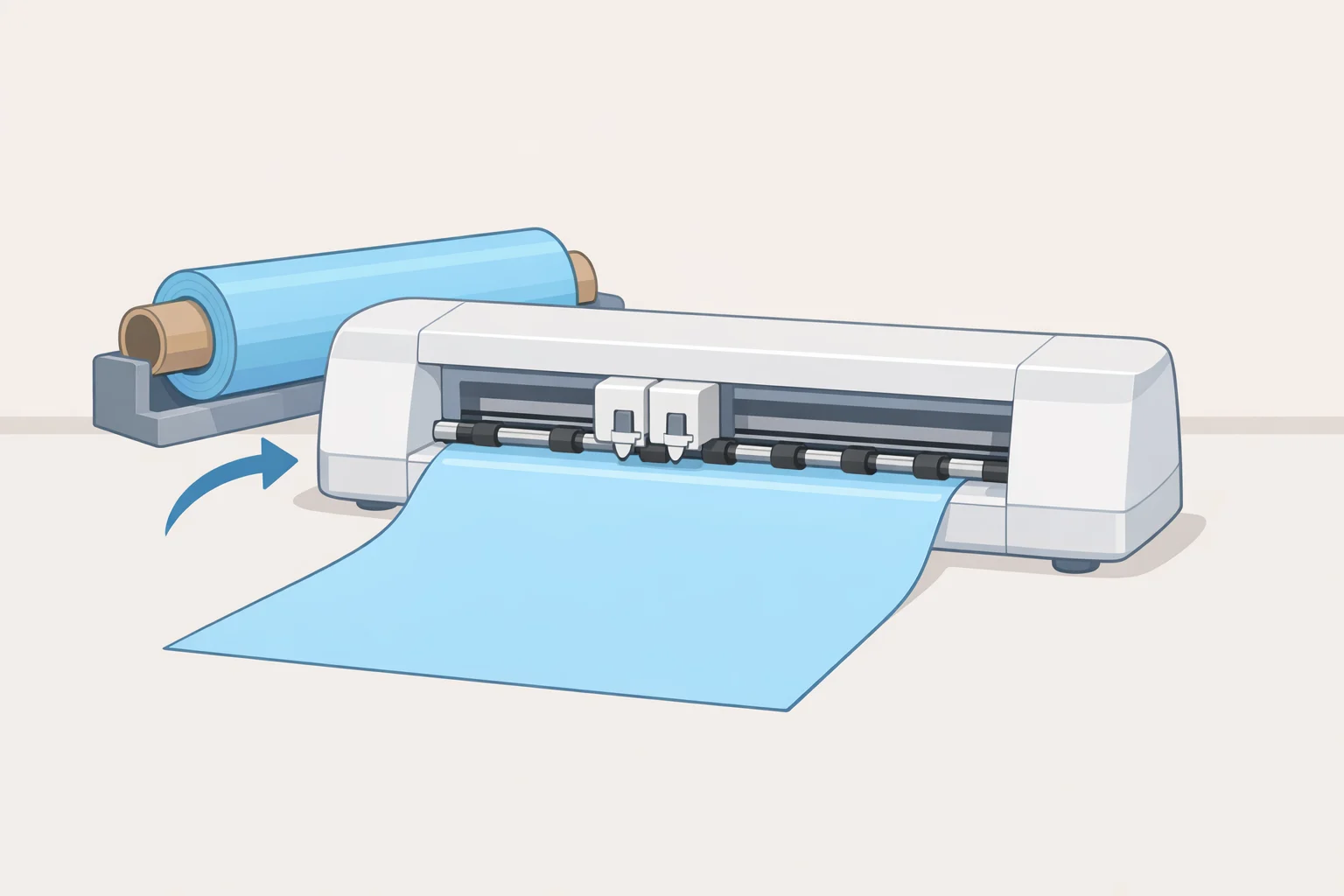
The Romeo is "built for someone who might pump out 50 graphic tees before lunch," as WIRED puts it. Siser markets it as a "professional level" cutter designed to "cut production time in half" (Siser product page, over a year ago). At 36.25 inches long and 21 pounds, it occupies a permanent workstation. The machine makes sense for an Etsy seller running repeat HTV orders, a small custom apparel operation, or an experienced Cricut owner who has consistently hit the ceiling on cutting width.
The production advantages are concrete. The Romeo cuts up to 25 inches wide with matless cutting up to 15 feet, enabled by adjustable pinch rollers that can accommodate full material width without pre-cutting rolls into smaller pieces. That matless workflow works with third-party materials Siser's own HTV, EasyPSV decal vinyl, cardstock, felt, and more through the roller system (Siser product page). A tiling feature fills the available cutting area with duplicate designs automatically, which WIRED notes is "helpful when you're cutting a dozen identical decals or shirt transfers." That's the kind of feature that only matters and matters enormously once you're doing the same job repeatedly.
For a small business using the Siser Romeo, the on-machine controls are where the real advantage concentrates. Force and speed can be adjusted directly from the touchscreen display mid-project without touching the connected computer; its built-in registration camera automatically reads print-and-cut registration marks; and once a job is dialed in, settings save as on-machine presets for repeat runs (WIRED; Siser product page). The Wi-Fi connection sounds like a minor detail until you've dealt with Bluetooth drops WIRED's reviewer reported never once having the Romeo unexpectedly disconnect across the entire test period.
Where it falls short
The learning curve is front-loaded and real. Leonardo, Siser's companion software, offers more granular control than Design Space layer management, font effects, custom cut settings but assumes users already know what those adjustments do, per WIRED. During testing, Leonardo threw up generic error pop-ups with no explanation of how to fix the problem, forcing the reviewer to dismiss the message and troubleshoot from scratch. On one early project, skipping a test cut wasted material when the blade hadn't fully cut into the vinyl.
The frustration concentrated at the start. Once the machine was understood, results were "incredibly consistent." The Romeo saves time only if you repeat the same jobs the upfront learning has to pay off somewhere.
Don't buy the Romeo if you're new to cutting machines, working in a small shared space, or primarily making occasional one-off pieces. A casual crafter who buys it for weekend projects will be paying $400 extra for features they'll never touch.
Cricut Explore 5 vs Siser Romeo: which machine fits your workflow?
The spec sheet produces one genuine surprise worth addressing: the Explore 5 carries a listed maximum cutting force of 1,000 grams, compared to the Romeo's 800 grams (WIRED). On paper, the Cricut looks more powerful. In practice, WIRED's hands-on testing positions the Romeo as the more capable production tool because cutting force is one variable among several, and the others (cutting width, matless material flexibility, on-machine controls, preset memory, connection stability) favor the Romeo decisively for volume work. Single-metric spec comparisons mislead. Workflow comparisons don't.
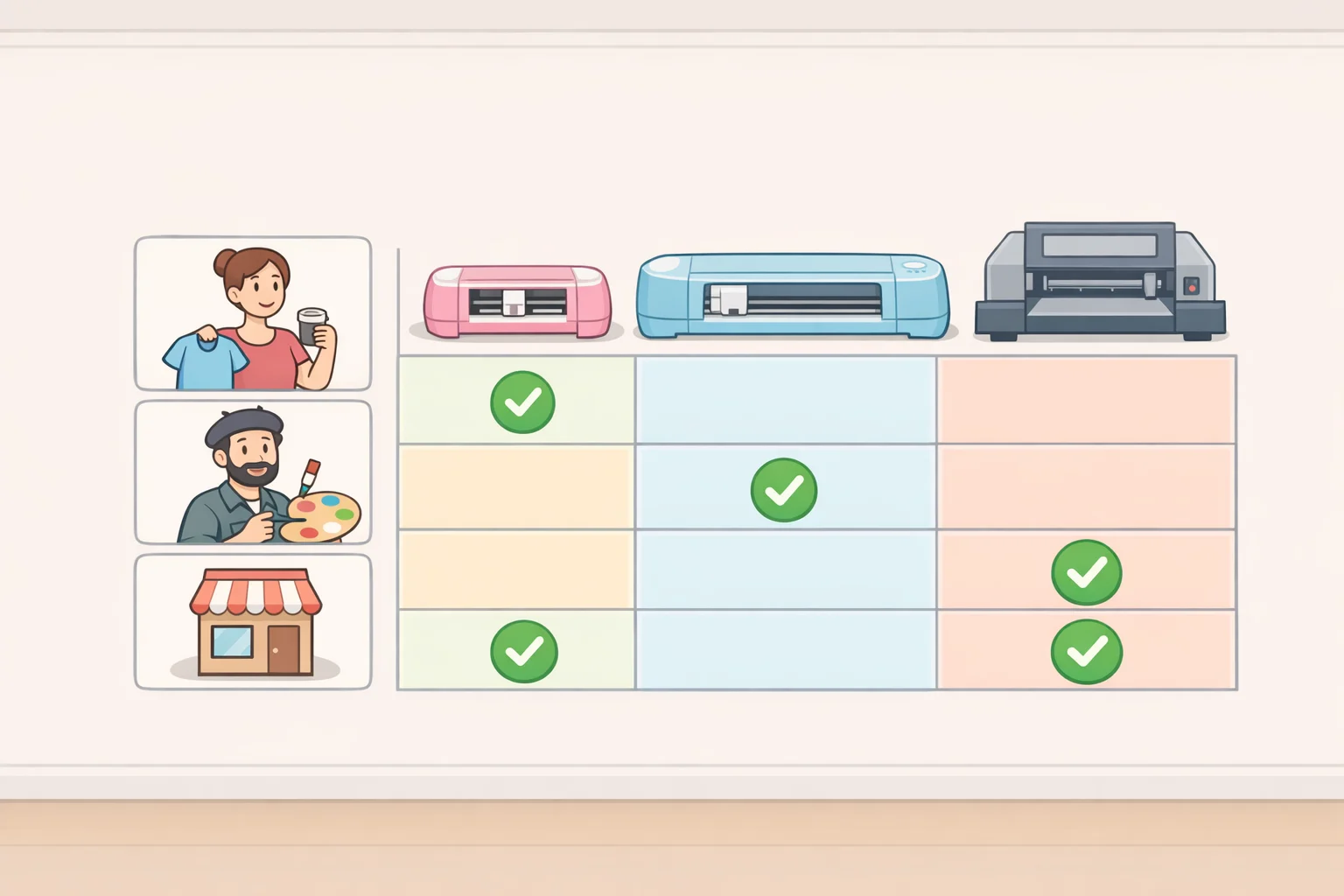
| Buyer profile | Better fit | Why |
|---|---|---|
| First-time buyer, hobby use | Cricut Explore 5 | Guided software, compact, $199 entry |
| Apartment or shared-space crafter | Cricut Explore 5 | 30% smaller, no dedicated station needed |
| Occasional banner or decal projects | Cricut Explore 5 | 12-ft Smart Materials cuts, broad project library |
| Etsy seller with repeat HTV orders | Siser Romeo | Tiling, presets, wide-format batch cutting |
| Small custom apparel or decal business | Siser Romeo | Production throughput, third-party material compatibility, stable Wi-Fi |
| Experienced Cricut owner considering an upgrade | Depends | Romeo only if volume and repeat workflows justify the jump |
One evidence gap worth naming: no independent side-by-side speed tests, noise measurements, or long-term durability data exist for these two machines as a matched pair. Siser's precision claim of 0.01mm comes directly from the manufacturer's spec sheet and hasn't been independently validated (Siser product page). Long-run ownership costs blade replacement cadence, whether Cricut Access becomes practically necessary over time, cumulative Smart Materials spend versus open-market HTV remain unquantified for both machines. These unknowns don't change the workflow-based recommendation, but a buyer making a significant investment should keep them in mind.
The verdict
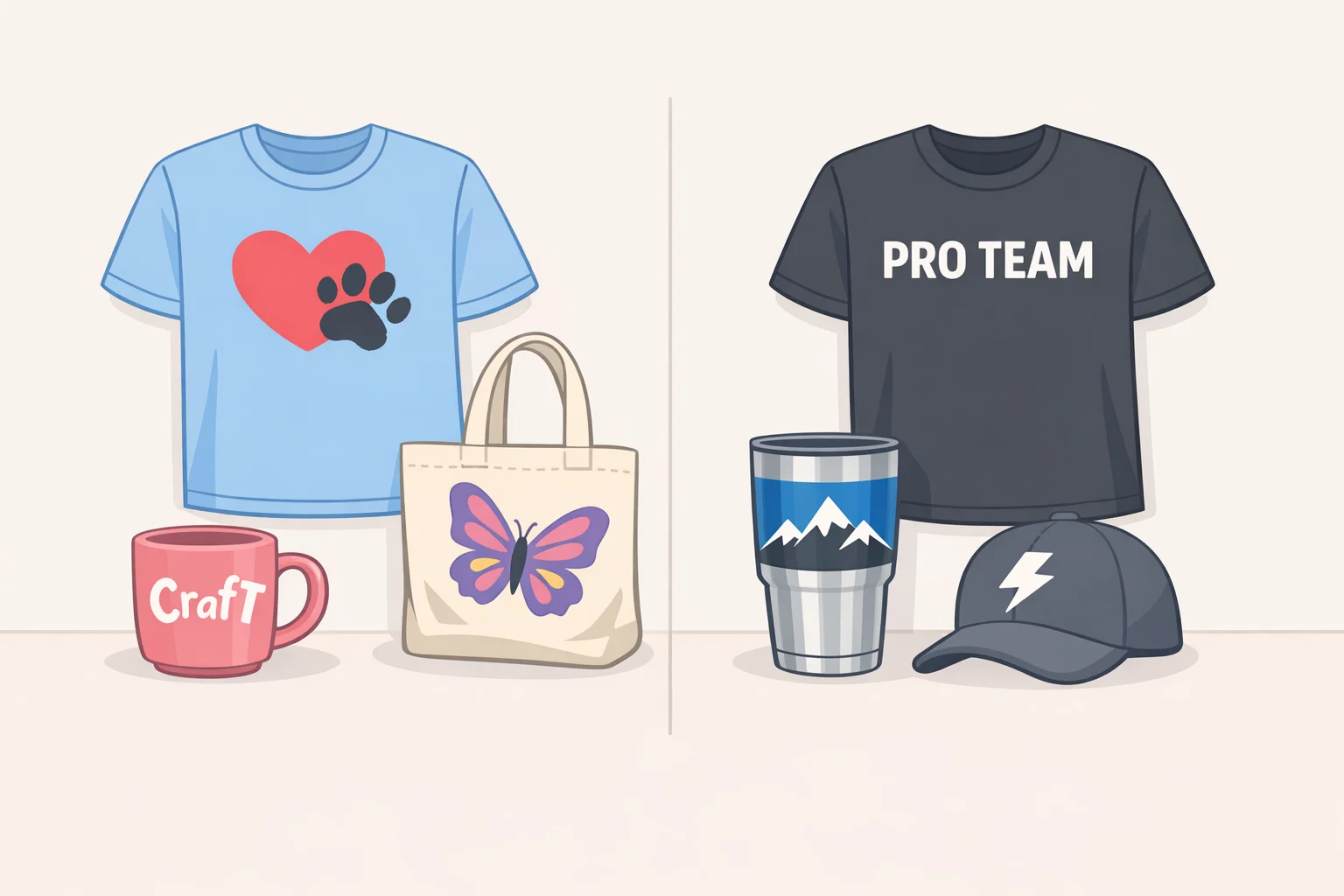
The Explore 5 is the right machine for anyone new to cutting, working in a constrained space, and making projects at hobby frequency. Guided software, compact footprint, $199 entry a good first result is accessible without a steep ramp. The Bluetooth instability and cardstock edge inconsistency are genuine limitations, but manageable at that volume. Wirecutter's observation that Cricut machines have been among the most beginner-friendly options since 2017 reflects a real, compounding ecosystem advantage that matters when you're learning.
The Romeo is the right machine for anyone running repeat heat-transfer vinyl or decal orders, needing material widths beyond 12 inches, or whose current machine has become a ceiling rather than a floor. WIRED puts the upgrade signal plainly: "If you're consistently making the same products, filling repeat orders, or finding yourself wishing for more control over your cuts and workflow, the Romeo is where it's at." The $600 cost and 36-inch footprint only make sense if the production volume is already there to back them up.
One thing worth watching: WIRED reported that Siser representatives said a Canva integration for Leonardo is on the way. It isn't available yet and shouldn't factor into a purchase decision today but if it ships, it could meaningfully lower the software barrier for buyers currently deterred by Leonardo's complexity.
Four questions cut through the rest of it: How often will you use the machine? What will you make? Do you need it to guide you, or simply to execute? And can your workspace fit something the size of a carry-on bag? Those will tell you more than any force-versus-force comparison.