How Often to Clean a TV Screen (Without Damaging It)
How often to clean a TV screen depends on what's actually on it, not on a date circled on a calendar. Samsung does not recommend a fixed weekly or monthly schedule on its UK support page; the guidance instead treats cleaning as a response to what's visible. Once dust, smears, or fingerprints show up, it's time to wipe the screen down (Samsung UK).
Consumer Reports backs the same approach: don't overthink cleaning frequency. A soft cloth is often all a screen needs, and the process is simple enough that it doesn't call for a strict routine or pricey products (Consumer Reports, last month).
What follows covers how to clean a TV screen safely, the escalation to use on stubborn fingerprints, the products that strip coatings and void warranties, and a separate method for the remote, which needs entirely different handling.
How often to clean a TV screen
Video of the Day
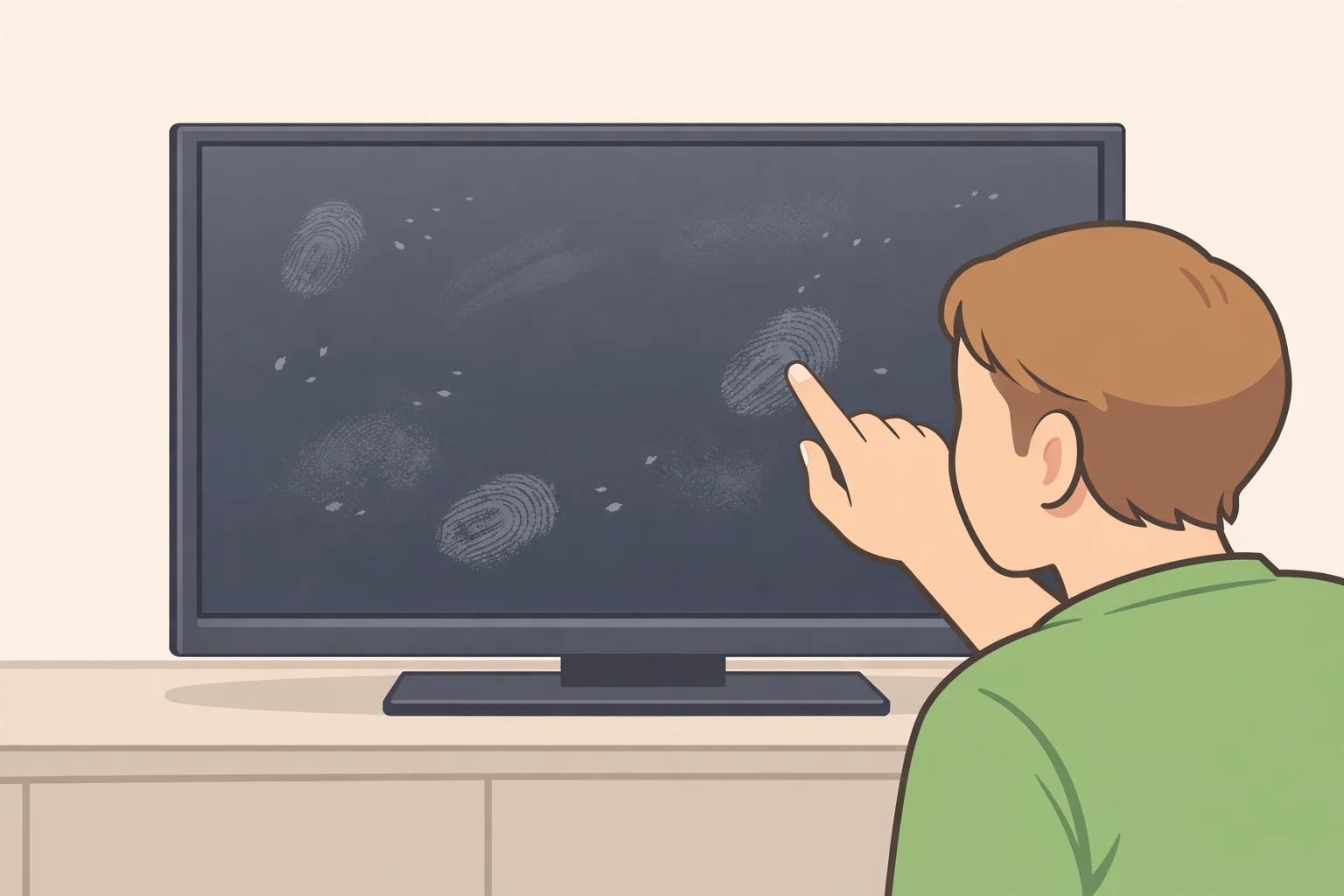
The short version: clean when the screen visibly needs it, not because a certain number of days has passed. Dust and fingerprints can interfere with the viewing experience, and Samsung's Hong Kong support page adds that dust left to accumulate can eventually work its way into the set and contribute to screen failure. That's a claim from the manufacturer's own support documentation, not an independently verified failure rate, so it's worth treating as a reason to wipe down visible dust promptly rather than proof that a dusty screen is on borrowed time (Samsung Hong Kong).
There's a real reason not to turn this into a weekly chore, though. Consumer Reports notes that newer flat-panel TVs are more sensitive than older sets and need careful handling during cleaning to avoid scratches or damage (Consumer Reports). Cleaning more often than necessary just creates more chances to reach for the wrong cloth or cleaner. The goal isn't frequency; it's getting it right on the occasions it's actually needed.
Video of the Day
How to safely clean a TV screen, step by step
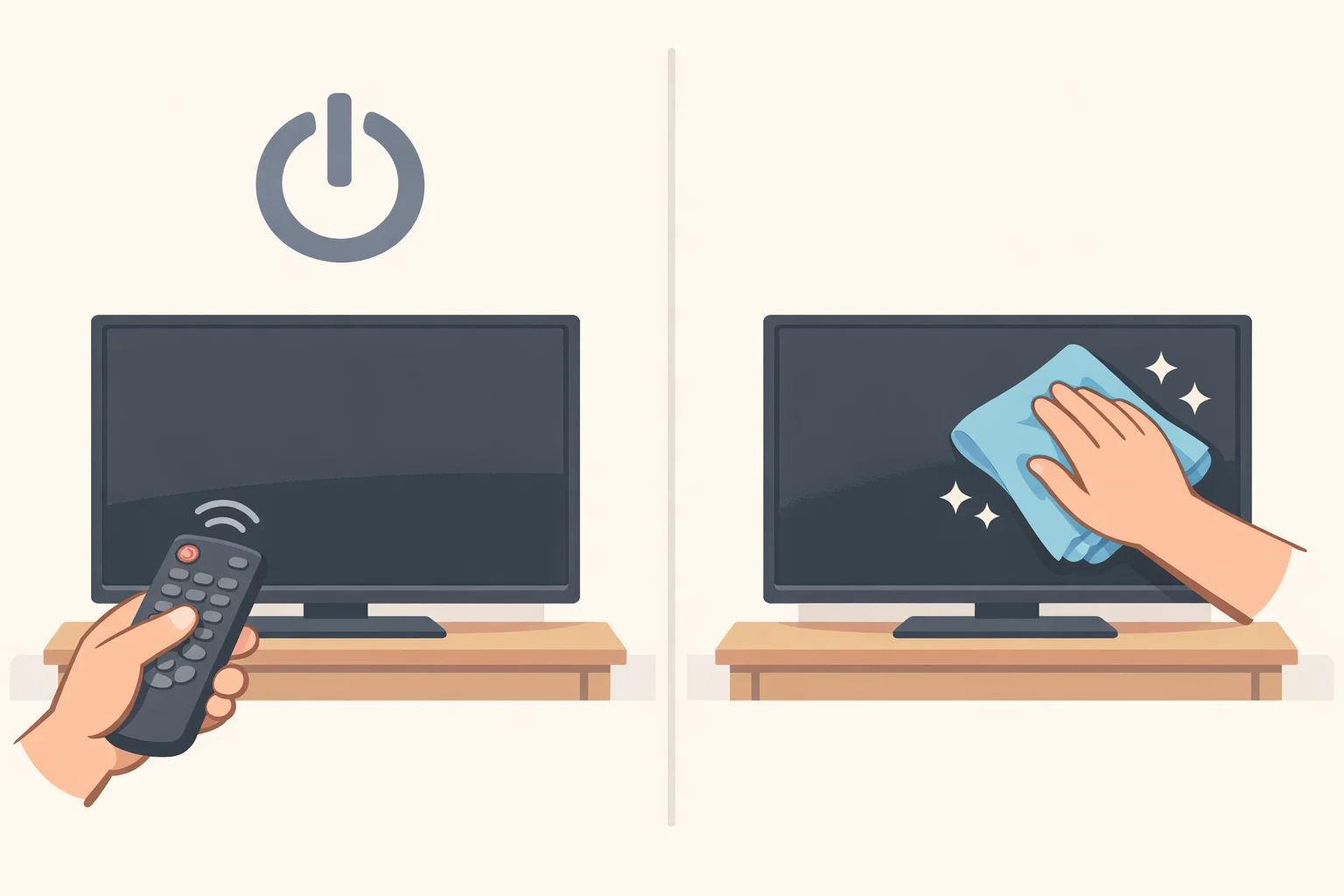
All that's needed for cleaning a flat-screen TV is a soft, lint-free microfiber cloth and, for tougher marks, a little distilled water. Skip everything else until a step below calls for it.
-
Turn off or unplug the TV first. Matt Ferretti, who heads Consumer Reports' TV testing program, says this is safer for the set, gives it a chance to cool, and makes it easier to spot smudges against a dark panel (Consumer Reports). LG's cleaning guide gives a simpler reason: unplugging prevents anyone from getting shocked (LG USA).
-
Wipe the screen dry first. Use a dry, anti-static microfiber cloth, the same type used on eyeglasses or camera lenses, moving in gentle circles. Scott Meadows, a Consumer Reports photographer who cleans more than 200 TVs a year, recommends this as the first step for clearing everyday dust (Consumer Reports). Samsung's Hong Kong support page adds a useful habit: keep that cloth reserved for the TV alone, since using it elsewhere first can transfer grit that scratches the screen (Samsung Hong Kong).
-
Go easy on the pressure. LCD panels are thin and can scratch or suffer permanent damage under too much force, a point Consumer Reports and Samsung's Hong Kong support page both make. Samsung warns that hasty wiping can damage the TV (Consumer Reports; Samsung Hong Kong).
-
Dampen the cloth only if needed. If dry wiping doesn't clear a mark, lightly dampen the cloth, never the screen, with distilled water and go over the spot again. Follow immediately with a dry cloth to eliminate streaks or swirls, a step Meadows and Samsung's UAE support page both recommend (Consumer Reports; Samsung UAE).
-
Never spray liquid directly onto the panel, and let it dry fully before powering back on. Samsung and Consumer Reports both warn that liquid seeping into the set can cause electric shock or component failure. Every damp-cloth step above works by wetting the cloth, not the screen, for exactly that reason (Samsung UK; Consumer Reports). LG's guidance echoes the same caution about letting the screen air-dry completely before plugging the TV back in (LG USA).
Best way to clean TV screen fingerprints
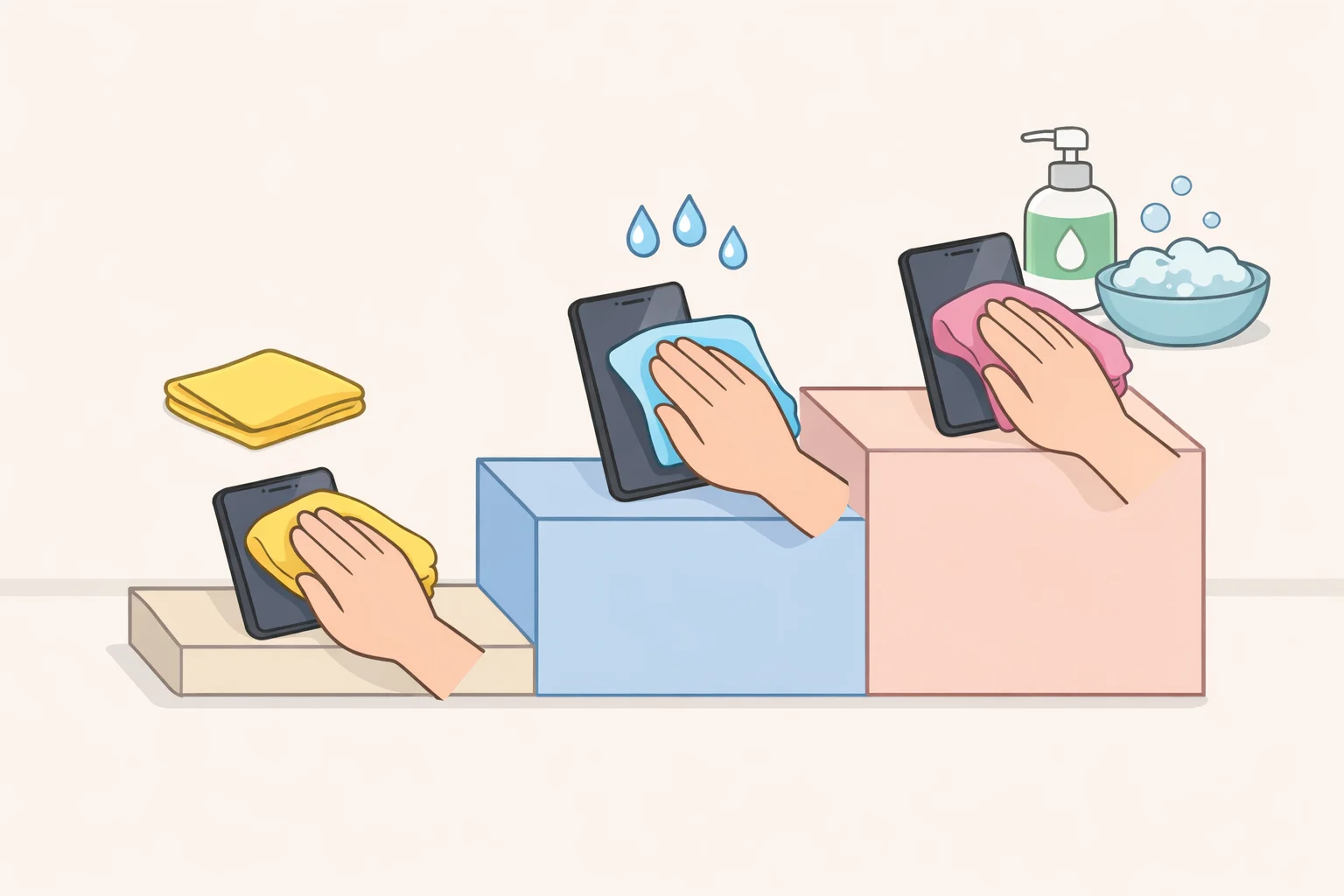
Fingerprints are the one mark that usually calls for an extra round beyond the basic wipe-down above. Consumer Reports lays out an escalation ladder: dry cloth first, then a cloth barely dampened with water, and only for marks that won't budge, a solution of mild dish soap heavily diluted with water. Panasonic's own guideline, cited by Consumer Reports, calls for a 100-to-1 ratio of water to soap (Consumer Reports). Apply any solution to the cloth, never the panel, and finish with a dry cloth to catch streaks.
LG takes a similar approach for stubborn smudges: wet a microfiber cloth in lukewarm water, wring it until almost dry, then wipe in gentle circular motions (LG USA).
Alcohol is where the guidance gets genuinely inconsistent, and it's worth resolving carefully rather than picking whichever answer is most convenient. Samsung's UAE support page permits isopropyl alcohol for fingerprints and grease, but only on select models (Samsung UAE). Samsung's Hong Kong page allows a small amount of disinfecting ethanol as a last resort, after a dry cloth and distilled water have failed (Samsung Hong Kong). Samsung's UK page tells customers to avoid alcohol-based solvents altogether (Samsung UK). Given that spread, the safer default on an unfamiliar model is to stop at a dry microfiber cloth or distilled water unless the specific manual explicitly says alcohol is fine.
Screen-cleaning kits are rarely worth the money. Consumer Reports points out that many run $15 to $20 for what amounts to a microfiber cloth and a bottle of solution that's mostly water (Consumer Reports). If one ends up in the cart anyway, check that it skips alcohol, ammonia, and acetone before it touches the screen.
What not to use when cleaning a TV screen
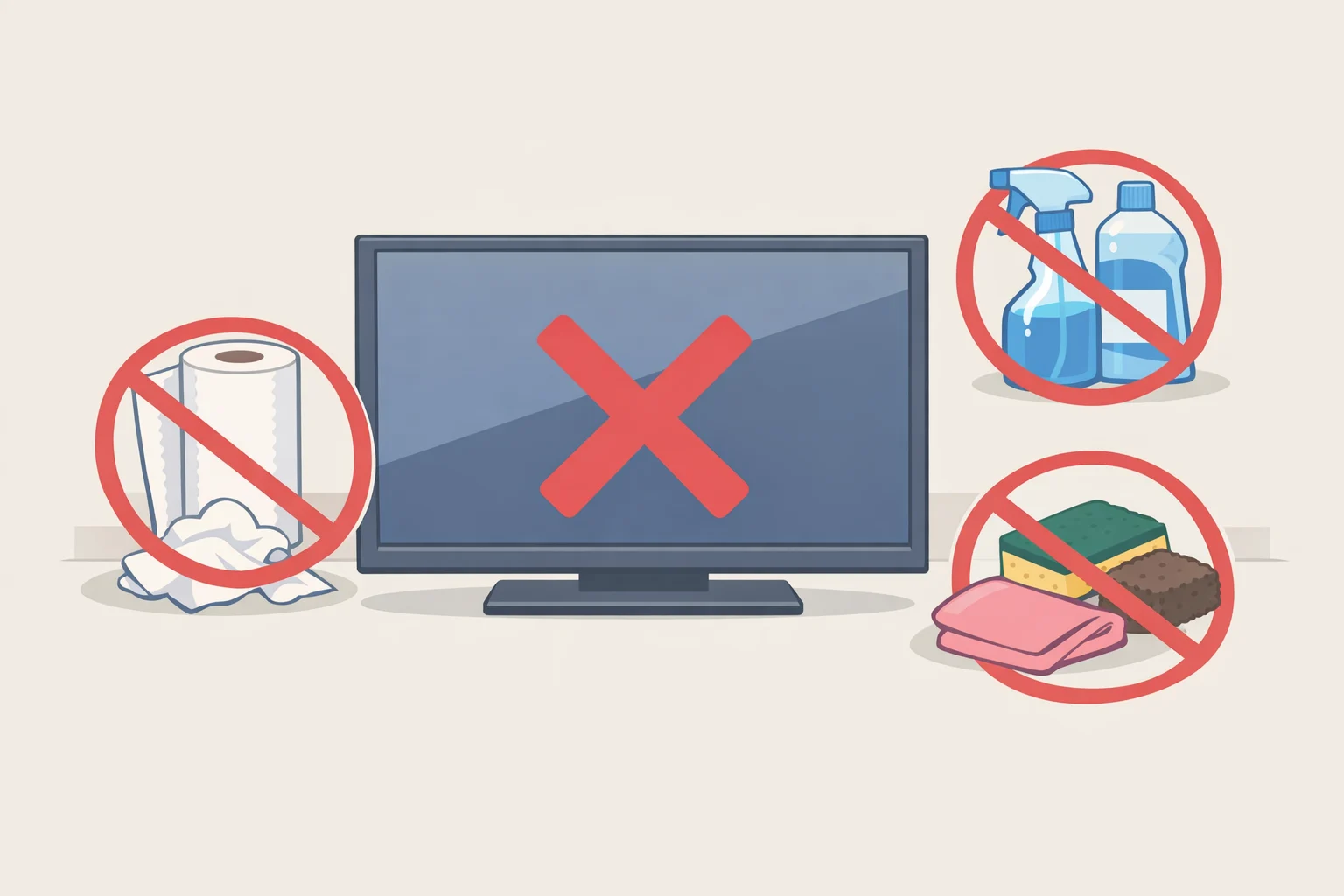
Paper towels and tissues are the instinctive reach for most people, and also the wrong one. Consumer Reports notes that even these seemingly soft materials contain fibers that can cause damage, and Samsung's guidance goes further, ruling out paper towels, rags, sponges, and brushes entirely for TV screens (Consumer Reports; Samsung UK).
Household cleaners are worse. Samsung explicitly rules out scouring powder, ammonia, benzene, and glass cleaners like Windex, warning that any of them can strip the anti-glare coating and cause permanent damage (Samsung UK). Consumer Reports draws the same line, naming alcohol and ammonia as ingredients to avoid entirely on a flat-panel screen (Consumer Reports).
There's one exception. Old tube TVs have glass screens, and Consumer Reports notes that a standard glass cleaner such as Windex is fine on those, precisely because the screen material has nothing in common with an LCD or OLED panel (Consumer Reports).
Cleaning the remote
The remote gets ignored in most cleaning routines. Consumer Reports notes that remotes collect dust and a fair number of germs simply from being handled constantly (Consumer Reports).
Start by removing the batteries. Turn the remote upside down and tap it gently against a palm to knock loose any debris trapped between the buttons. Wipe the whole remote with a soft cloth dampened, not soaked, in a little alcohol diluted with water, and use a cotton swab for the tighter spaces around each button. Stubborn grime wedged deeper into the keys can be worked out with a dry toothbrush or a toothpick. Finish with a dry cloth over the whole remote and reinstall the batteries (Consumer Reports).
That's a different method from the screen-cleaning routine above, using a product the earlier sections specifically warn against for the panel itself. The remote and the screen get cleaned differently on purpose, not by accident.
Common questions about cleaning a TV screen
Do OLED and 4K TVs need special cleaning products? No. LG's cleaning guidance says no special products are necessary to periodically clean an OLED, 4K, or LED screen, as long as the basic method above, dry cloth first and a barely damp one if needed, is followed (LG USA).
What if a mark on the screen won't wipe off at all? Check whether it's actually sitting on the outer surface before assuming the panel itself is damaged. Samsung's Hong Kong support page points out that a stain visible on the black screen when the TV is off is usually a foreign object on the outside, not a problem with the panel underneath (Samsung Hong Kong). Working back through the dry-cloth-then-damp-cloth method above is the next move before assuming anything worse.
For most flat-screen TVs, the safest routine comes down to restraint: power down first, reach for a dry microfiber cloth, add a little approved moisture only when the dry cloth isn't enough, and stop before the cleaning itself becomes the source of the damage. When guidance conflicts, as it does on alcohol, the specific model's manual settles the question. Samsung's Hong Kong support page puts it plainly: read the instructions for the exact TV model and follow them closely before reaching for anything the general guidance didn't cover (Samsung Hong Kong).