Things You'll Need
one or two 100-watt Standard Light Bulb (If not already installed in the Base Unit)
Ladder or Step Ladder
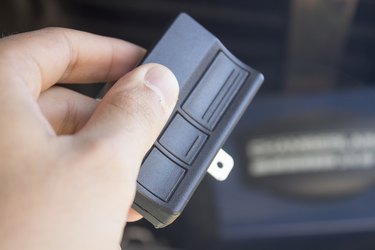
Sometimes due to an electrical outage, faulty wiring, or the need to replace a garage remote, the code for the garage door opener will need to be changed. Most Craftsman's Garage Door Openers have universal steps to reprogram the garage door opener. There two different options to reprogram from either the Base Unit (the garage door opener motor) or by the Control Console (the garage door opener that is mounted on the wall inside the garage).
Changing code from the Garage Door Opener Base Unit
Step 1
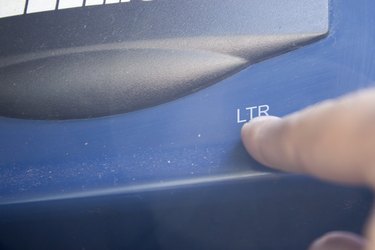
On the Base Unit, remove the back panel and press, but do not hold the LRN button. In some models you need to hold the LRN button for about 10 seconds to delete all the codes.
Video of the Day
Step 2
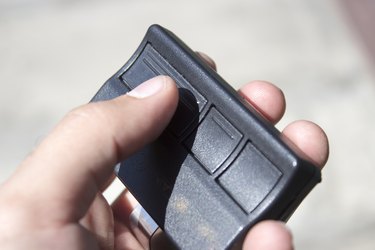
Once the LRN button led light comes on, press and hold the OPN button (the large button) on the garage remote.
Step 3
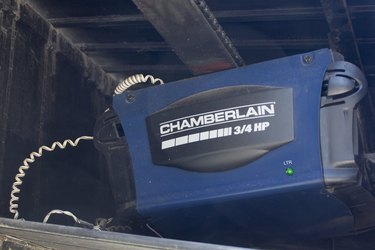
Release the button once the light bulbs (located on the front of the of the base unit) begin to blink.
Video of the Day
Changing Code from the Control Console
Step 1
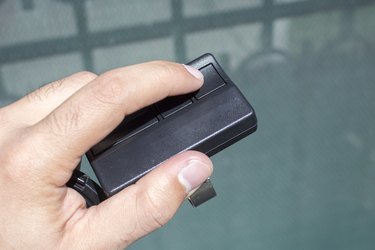
Using your garage remote, press and hold the OPEN button.
Step 2
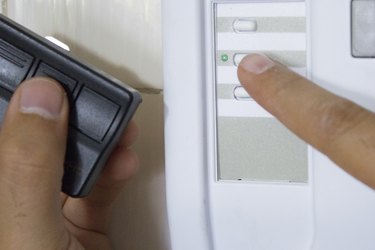
While holding the OPN button on the remote, press and hold the OPN button (the button with a red or green light) on the Control Console. If your Control Console is a three-button model, press and hold Push Bar button (red circular) button as well OPN buttons on the remote and Control Console.
Step 3
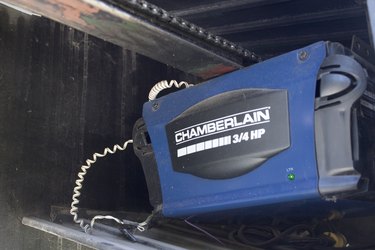
Release the buttons once the light bulbs on the Base Unit begin to blink.
Warning
Make sure that the garage door is closed when reprogramming.