Things You'll Need
5 milliliters acrylic paint
Distilled water
1-oz. bottle
Paper
Paintbrush
Pencil
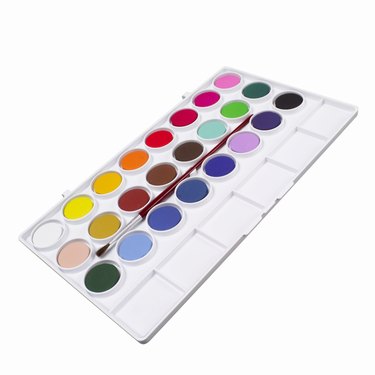
Acrylic paint is a versatile artist's medium. Thinned acrylic paint creates vibrant washes, similar to watercolor paint. But unlike traditional watercolor paints, acrylic washes are water-resistant, once dry. Whereas watercolor layers blend and are easily ruined by water, even after they are dry. Acrylic wash layers go undisturbed and unchanged when you add fresh layers to the painting, making acrylic washes a great staple that's affordable and easy to make.
Step 1
Measure and pour 5 milliliters of acrylic paint into a 1-oz. bottle. Fill the remainder of the bottle with distilled water. Close the bottle, then shake to mix it.
Video of the Day
Step 2
Dip a paintbrush into the wash, and test it on a piece of paper suitable for the acrylic wash. Rinse the paintbrush in water, before using it with another color.
Step 3
Darken the wash by adding small increments of acrylic paint into the 1-oz. bottle. Shake to mix it. Lighten the wash by removing some of the mixture from the bottle and diluting with more distilled water. Shake to mix.
Step 4
Record the amount of acrylic paint you added to the wash, when satisfied with the color results. Use the same recipe the next time you create custom washes.
Video of the Day