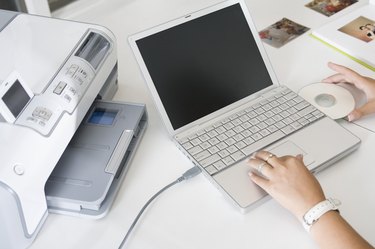
Typically when you print content on your printer you use white paper and print the content in black ink. However, you may find the need at some point to print on black paper. Cardstock is thicker paper and is more durable, but it can still be inserted into a printer. Since the paper is black, you need to make a few alterations to your document before you print.
Step 1
Remove the black ink cartridge from your printer and install a white on black cartridge. You can find one at most arts and craft stores. The ink cartridge will be labeled as to what black ink cartridge or computer it is compatible with.
Video of the Day
Step 2
Remove the printer paper from the printer and insert the black cardstock. The cardstock is thicker so you can't place as much of it into the paper tray.
Step 3
Open the program you want to print from and load the document.
Step 4
Click "File" followed by "Print" and allow the content to print on the black cardstock. You are going to see the white text appear on the black paper.
Video of the Day