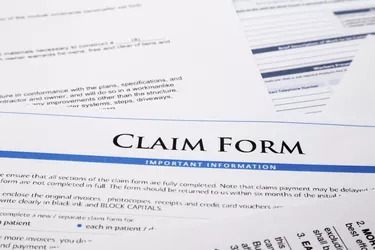
Direct billing occurs when doctors or medical providers send their bills straight to the health insurance company for payment, rather than having the patient receive the bill and file the claim. This eliminates the need for the patient to handle the initial interaction with the insurance company. However, it doesn't eliminate the need for a patient to pay costs that aren't covered by his insurance agreement.
Some Charges May Apply
Video of the Day
Just because a medical provider offers direct billing doesn't mean a patient won't have to pay out of pocket. Many plans require a co-payment, which is due at the time services are provided. After that, each claim is assessed by the insurance provider. The insurance company will send out an explanation of benefits that details what the facility charged, what the insurance company paid,and what if anything the patient owes. This isn't a bill; however, the patient is responsible for settling with the medical provider at that point.
Video of the Day
Delayed Billing
If the insurance company says it won't cover the procedure or won't cover the entire cost, the medical provider will then bill the patient for the remainder. Insurance companies can take months to process claims, which means sometimes the news that the patient is responsible for the charges can come long after the appointment took place.