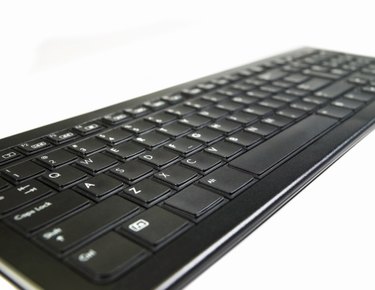
Emoticons let you send fun facial expressions in an email or cell phone text message. Some basic emoticons are easy to figure out, but a mustache isn't as intuitive. It's hard to glance at your keyboard and imagine which character could possibly simulate a mustache on a smiley emoticon. With a little creative typing, you have a couple options for smiley face mustaches.
Step 1
Type your smiley face's eyes as usual, inserting a ":" symbol. This symbol, called a colon, is inserted by holding the "Shift" key and pressing on the key directly to the right of the "L." Some users prefer the "=" sign for larger eyes instead.
Video of the Day
Step 2
Hold the "Shift" key and type a "{" bracket symbol. This bracket is located to the right of the "P" key. If you want a bushier mustache, insert the "-" symbol for the smiley's nose, and "#" for the mustache.
Step 3
Hold the "Shift" key and press the "9" key. This inserts a standard parenthetical smile. Use an uppercase "D" if you want a larger smile for your emoticon. With the addition of the smile, your mustached smiley face is complete.
Video of the Day