Things You'll Need
Embroidery fabric
Freezer paper
Computer
Image editing software (optional)
Scanner
Desktop ink jet printer
Iron
Ironing board or pad
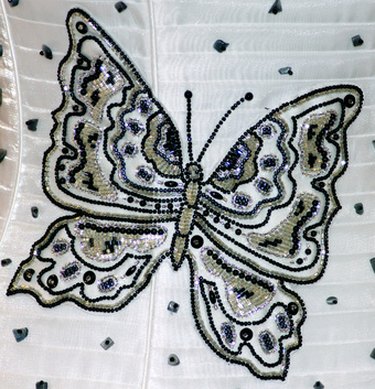
If you'd like to create embroidery that is unique and inexpensive, consider making your own pattern. With a little preparation and some supplies you may already have, you can use your computer to transfer a picture to fabric. This method will also work if you'd like to transfer an existing embroidery pattern. With today's technology, printing on fabric for embroidery helps you make affordable and attractive patterns.
Transfer embroidery pattern to fabric
Step 1
Choose a design you wish to embroider. If the design isn't already on your computer, use your scanner to transfer the design to your computer. Re-size the design to fit your printer using image-editing software, if necessary.
Video of the Day
Step 2
Cut the fabric you plan to stitch on a little smaller than a standard letter-size piece of paper -- 8.5 inches by 11 inches. Cut a piece of freezer paper 8.5 inches by 11 inches. Place the fabric right side down on an ironing board and cover it with the freezer paper with the shiny side against the fabric. Iron the back of the freezer paper. The freezer paper will adhere to the fabric.
Step 3
Place the fabric with the freezer paper backing in the printer's feed tray so that the printing will be done on the fabric side. With most desktop ink jet printers, you will be placing the paper in the printer with the fabric side down. Print the design from the preview screen or the image editing program you used to modify the image. Peel the freezer paper off of the fabric, and proceed with the embroidering.
Tip
Consider printing a full color picture onto fabric and using embroidery to enhance the picture. If you do this and think you may need to wash the fabric at any time, use the Bubble Jet Set 2000 product to keep the colors in the picture from washing out.
Video of the Day