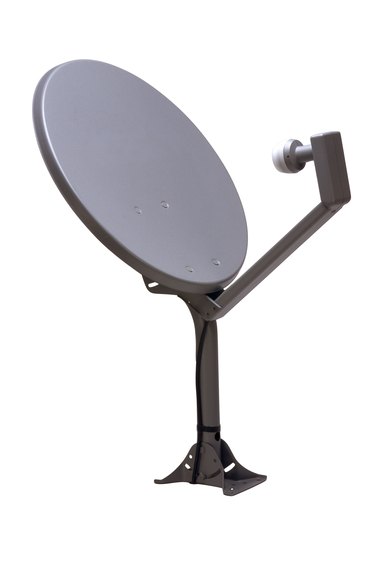
The satellite service DIRECTV provides each subscriber a satellite receiver that is similar to a cable converter box. The receiver contains a number of ports for connecting the device to a surround sound unit, a VCR and other electronic devices. The receiver also contains a port for connecting an antenna for receiving local channels. Connecting an antenna lets you receive digital channels available in your area, including any network and independent channels. The antenna port accepts any antenna containing a coaxial connector.
Step 1
Turn off and unplug both the DIRECTV receiver and your television. Turn the receiver around so the back of the device is facing you.
Video of the Day
Step 2
Place a digital antenna next to or close to the receiver. Plug the antenna's coaxial connector into the "OFF-AIR IN" port on the back of the receiver. You can also use an external digital antenna. Consult the antenna's manual on proper mounting techniques, then route the antenna's coaxial cable inside via a window or other opening in your home.
Step 3
Turn the connector with your fingers until it is tight. Extend the antenna's aerials and point them toward a window or doorway to receive the strongest channel signals as possible.
Step 4
Plug in and power on the receiver and television. Press the "Menu" key on your DIRECTV remote control. Use the up and down arrow keys to navigate to "Settings." Press the "Select" key, then navigate to "Setup" and press the "Select" key.
Step 5
Navigate to and select "Sat & Ant," then navigate to "Antenna Setup" and press the "Select" key. Select "Local Networks" and press the "Select" key. Follow the on-screen prompts to choose the networks you want to receive.
Step 6
Navigate to and select "Scan for Channels." Press the "Select" key to start the scanning process. Once the process is complete, you will be shown the DIRECTV guide so you can delete any channels you don't want to receive or show in the guide.
Video of the Day