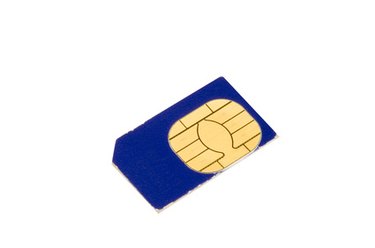
Many mobile devices operate with the use of a small microchip called a SIM card. In most instances, your SIM card will register automatically once it is inserted into your phone. Occasionally, network outages and other issues can cause SIM card communication errors. If your SIM card is unable to connect to your provider's network for any number of reasons, you may receive a "SIM Registration Failed" or "SIM Update Failed" message. In some instances, the errors can be fixed without the help of your wireless company.
Step 1
Power your device off.
Video of the Day
Step 2
Remove the SIM card. (For mobile phones, remove the battery and SIM card.) Wait a few moments.
Step 3
Reinsert the battery (if applicable) and SIM card. Turn the device back on.
Step 4
Verify that the device connects to the network — not the signal indicator icon. If it does not, contact your wireless service provider for assistance.
Video of the Day
- AT&T Wireless: Answer Center -- Status Indicator Values for AT&T Communication Manager 9.0
- AT&T Wireless: Answer Center -- Error: SIM Update Failure
- T-Mobile: Support -- What Can I Do If My Device Does Not Connect To The T-Mobile GPRS/EDGE Data Network?
- Phone Scoop: Glossary -- SIM
- Phone Scoop: Carriers