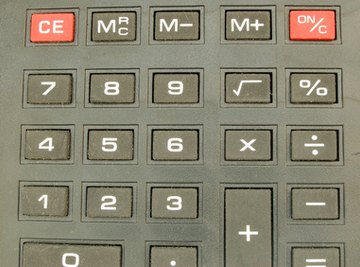

Although people often ignore it because they do not fully understand it, the percent key on a calculator can be an invaluable tool. When you wish to figure out what a specific percentage is of another number or a number equation, you can simplify this process by using the percent key on your calculator. Once you understand how it works and see how you can use this key, you may use it often.
When you use the percentage key, your calculator quickly multiplies one number by a second number to get a product. By using the percent key, the calculator then takes this product and divides it by 100 to create a new second number. The calculator then completes your original computation (adding, subtracting or multiplying) to give you the final answer.
Determine what a specific percentage is of another number. For example, enter 600 x 15 and hit the percent key. You see the answer is 90, which means that 90 is 15 percent of 600.
Calculate a percentage of a number and add it to the number. For example, enter 34 + 7 and hit the percent key. You immediately see the answer is 36.38. This is useful for figuring sales tax on purchase items.
Figure a percentage of a number and subtract it from the number. For example, enter 79 – 30 and hit the percent key. You see the answer is 55.3. This is useful for figuring sale prices on purchase items.
Tips
Tips
- When you use the percentage key, your calculator quickly multiplies one number by a second number to get a product. By using the percent key, the calculator then takes this product and divides it by 100 to create a new second number. The calculator then completes your original computation (adding, subtracting or multiplying) to give you the final answer.
About the Author
Kathryn Hatter is a veteran home-school educator, as well as an accomplished gardener, quilter, crocheter, cook, decorator and digital graphics creator. As a regular contributor to Natural News, many of Hatter's Internet publications focus on natural health and parenting. Hatter has also had publication on home improvement websites such as Redbeacon.
Photo Credits
calculator #5 image by Adam Borkowski from Fotolia.com