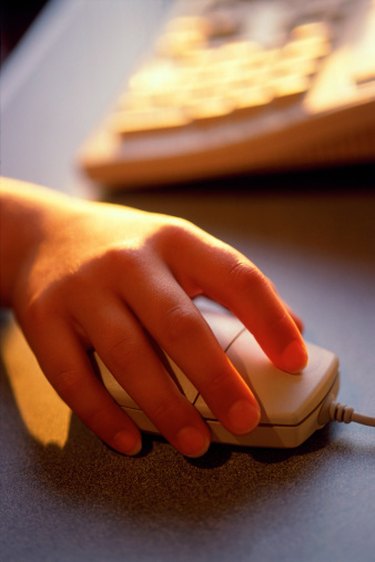
Your computer mouse is like any other electronic device in that moisture spells trouble. In general, if you spill a drink on your mouse or any other electronic, you need to move quickly. Irreversible damage can occur quickly. Also, you may ultimately need to purchase a new mouse since your efforts may not be warranted for the amount of money that you can spend on a mouse these days.
Step 1
Unplug the mouse from the computer. This is extremely important because liquid and electricity is a dangerous mix. It also makes it easier to work on your mouse when it is unplugged.
Video of the Day
Step 2
Wipe it dry with a rag or towel. Do this as quickly as possible. You may be able to save much of the moisture from creeping inside of the device if you move quickly.
Step 3
Take the mouse apart with a Phillips screwdriver. The object is to expose the inside of the device to air.
Step 4
Turn on a fan and lay the mouse next to it. Air drying devices is a good solution. Let the fan run for several hours.
Step 5
Check to see if there has been any blue or green powder substance forming around any of the circuitry. If so, that means the device has started to corrode.
Step 6
Re-assemble the mouse and plug the mouse back in to the computer to test it.
Video of the Day