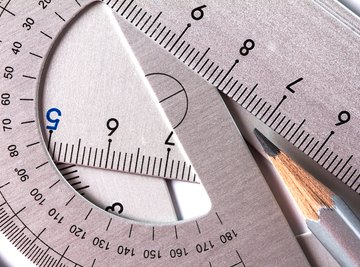

Measuring angles without a protractor is one of the fundamental aspects of geometry. Sine, cosine, and tangent are three concepts that will allow you to calculate an angle based solely on the lengths of two sides of a right triangle. You can form a right triangle out of any single angle with the help of a ruler and a pencil. Remembering the term "soh-cah-toa" will help you remember what the correct ratios are for the sine, cosine and tangent functions.
1. Examine the Angle
Determine what type of angle you are dealing with. If the two line segments open wide to form an angle larger than a right angle formed by perpendicular line segments, then you have an obtuse angle. If they form a narrow opening, then it is an acute angle. If the lines are perfectly perpendicular to each other, then it is a right angle, which is 90 degrees.
2. Draw a Cross
Transpose a perpendicular cross across the paper. Position the intersecting point of the cross below and to the left of the intersecting point between the two line segments, and extend each line segment to cross both axes of the cross, if necessary.
3. Examine the Slopes
Determine the slopes of the two lines by measuring the rise of the line segment, or its vertical aspect, and dividing it by run, or the horizontal aspect. Take 2 points on each line, measure the difference between their vertical components and divide this by the difference in the horizontal component. This ratio is the slope of the line.
4. Calculate the Angle
Substitute the slopes into the equation tan(phi) = (m2 - m1)/(1 + (m2)(m1)) where m1 and m2 are the slopes of the lines, respectively.
Find the arctan of this equation to get the angle between the two lines. In your scientific calculator, press the tan^-1 key and enter in the value of (m2 - m1)/(1 + (m2)(m1)). For example, a pair of lines with slopes of 3 and 1/4 would result in an angle of tan^-1((3-1/4)/(1+(3)(1/4)) = tan^-1(2.75/1.75) = tan^-1(1.5714) = 57.5 degrees.
Things You'll Need
- Ruler
- Pencil
- Scientific calculator
References
About the Author
A professional travel writer since April 2010, Doug Leenhouts has written for world66.com and slowtrav.com. He has a Bachelor of Science in management information systems from the Worcester Polytechnic Institute and three years of service in a consulting firm.