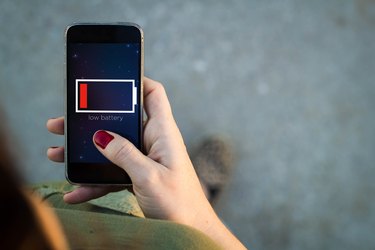
It can be frustrating if you are out and about, and your cell phone battery is about to die. Depending on the type of battery your phone uses, you may be able to activate reserve battery power. This isn't a feature on all cellular phones, but you can find out quickly if yours does have reserve battery power capacity.
Step 1
Turn on your cellular phone by pressing the "Power" button and wait for the logo screen to give way to the main menu.
Video of the Day
Step 2
Use the keypad to enter "*3370#" and press the "Send" key to send the call.
Step 3
Wait for the battery gauge on your phone's display screen to register more power. If this happens, your phone's battery contains reserve power. If the phone doesn't register an increase in power, your battery doesn't have reserve capacity.
Video of the Day