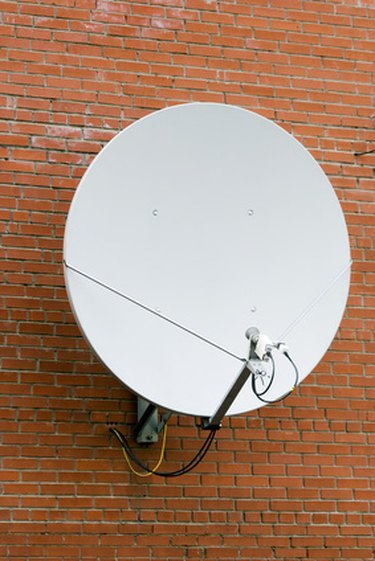
"Free-to-air" (FTA) satellite television provides a wide array of TV and radio channels, either as a standalone system or to supplement paid satellite TV, cable or terrestrial digital television.
Free-to-air satellite systems can be set up to receive broadcasts from a single satellite or multiple satellites, via a motorized dish or additional low noise blocks (LNBs) on a fixed satellite dish.
Video of the Day
Video of the Day
To add another satellite to a free-to-air system you must have a multiple system with access to more than one satellite.
How to add a new satellite to a free-to-air satellite TV system
Step 1
Switch on your TV set and satellite receiver and select a satellite TV channel.
Step 2
Press the "menu" button on your satellite receiver remote control.
Step 3
Locate the "installation," "set-up" or "system set-up" option on the menu and select it using the up/down arrows on your remote control.
Step 4
Scroll to the setting marked "tuning," "channel scan," "add new channels," or a similar description, and select it.
Step 5
Find and select the "add satellite," or "new satellite" option.
Step 6
Scroll through the list of available satellites and select the desired satellite. The satellite will be named with information that may include its position, for example, "13 degrees East."
Step 7
Wait for your receiver to scan the satellite. This might take a few minutes.
Step 8
Press "save" to store the new satellite and channels.