Press a few buttons, and you can reset your voicemail password on your T-Mobile account.
Resetting the password for your T-Mobile phone voicemail can be done easily by keying in the proper code to activate a default password until you can change it to the desired password later.
Step 1
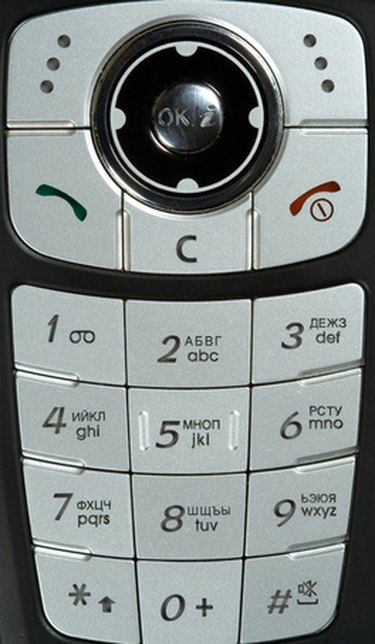
Reset your voicemail password for your T-Mobile phone to the password default which is the last four digits of your T-Mobile number by going to the home screen your telephone and keying in #793# or #PWD#.
Video of the Day
Step 2
Press the green phone button.
Step 3
Then press the OK button to send your request.
Step 4
Wait for a text confirmation message from T-Mobile, which should arrive within seconds.
Step 5
Proceed to your voicemail messages by typing in the last four digits of your T-Mobile number to access your voicemail.
Video of the Day
references