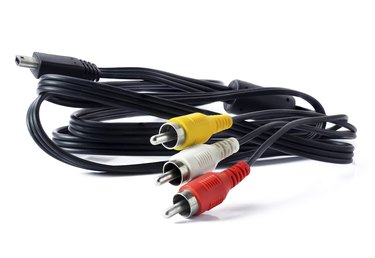
To connect your television to a home audio system you need a powered subwoofer with its own electric cord. You also need speakers to go with it, because plugging in the subwoofer to your TV's audio output jack cuts off the signal to the TV's built-in speakers. Some TV sets don't have an audio output jack; you can get around this sometimes by using the TV's headphone jack instead, but if the TV doesn't have a headphone jack, you'll have to take it to an electronics shop for modifications or get a new TV.
Match Audio Output and Input Jacks
Video of the Day
Look at your TV's audio output jacks to determine the audio connections the TV supports and examine the subwoofer for matching outlets. If your TV and the speaker both have an HDMI port, for example, connect the TV to your audio system with a single HDMI cable for excellent high-definition sound. Otherwise, use conventional RCA or component audio cables. Most TVs have either a single optical audio jack or an older analog left-right dual jack. As long as the subwoofer has jacks that correspond to the TV's audio input jacks, it's just a matter of buying the appropriate cable -- so definitely look for this if you haven't bought the subwoofer yet.
Video of the Day
Connecting Other Speakers
Most subwoofers come with jacks so you can plug in other speakers -- although some low-end speakers have a system where the left speaker plugs into the right speaker and the right speaker plugs into the subwoofer.