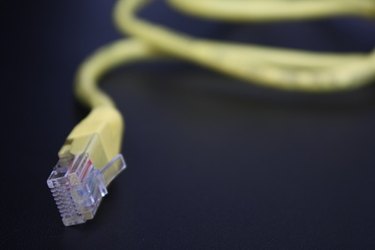
Although Ethernet networks are sometimes used to connect Digital Subscriber Line (DSL) connections to a computer, DSL Internet and Ethernet networking are two different technologies.
Function
Video of the Day
Ethernet is used to connect computers locally, such as in a home or office setting. DSL is used to connect a computer to the Internet.
Video of the Day
Ethernet
Ethernet is a standard for home and office networking. It is not a practical solution for Internet because of its high cost of deployment in comparison to other network types.
DSL
DSL is an Internet technology based on sending and receiving data through copper telephone lines. It requires a modem that usually connects by way of an Ethernet cable to a computer's network interface card.
Cables
The cables used for DSL and Ethernet connections are similar. Both are constructed of copper wiring, but typical Ethernet cables have two extra pairs of twisted copper wires. Ethernet also uses a larger plug, whereas DSL uses the standard phone plug. They are not interchangeable.
Speed Comparison
DSL speeds range from 768 Kilobits per second to 7 Megabits per second. Ethernet networks can run at different speeds, depending on the technology used: the Ethernet standard can run at up to 10 Megabits per second; the Fast Ethernet standard up to 100 Megabits per second; and the Gigabit Ethernet standard up to 1 Gigabit per second.