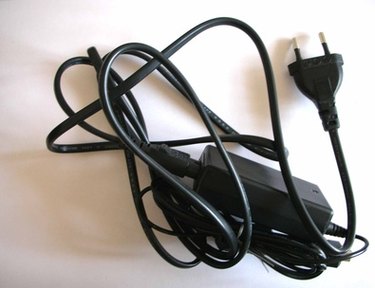
The AC adapter, for an electronic device, is used to convert the amount of electricity from a wall outlet to the device. When the power cable breaks or gets cut, you can either buy a new adapter or attempt to repair the existing one. Repairing the AC adapter will require you to access the inside. To complete this task you will require one or more common tools.
Step 1
Unplug the power cord from the wall outlet or power strip, if it is still plugged in.
Video of the Day
Step 2
Disconnect the power cable from the laptop, if necessary.
Step 3
Place the end of a putty knife in the seam of the AC adapter. The seam is the middle or where the top and bottom halves of the adapter meet.
Step 4
Twist the putty knife to pry on the adapter. Continue this step around the perimeter of the adapter until you are able to break the seal. If the putty knife does not break the seal, you may want to use a flat-head screwdriver.
Step 5
Separate the top half of the adapter from the bottom half, to expose the internal structure of the adapter.
Video of the Day