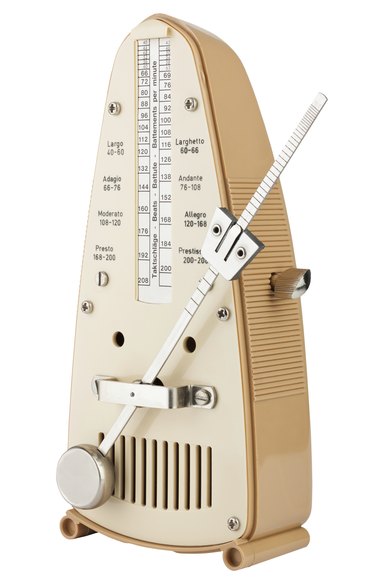
Each GarageBand project has a master tempo. This is the speed at which the project plays, and it can be adjusted via the GarageBand LCD. You can also add tempo changes within a project so that parts of a project play more slowly than others. GarageBand '11 accommodates tempos between 64 and 240 beats per minute.
Slow Down Overall Project Tempo
Video of the Day
Step 1
Click the "Click to choose other LCD" modes icon on the left side of the LCD and select "Project," if it's not already selected. The LCD is the small display located at the bottom of the GarageBand window, just to the left of the main volume control.
Video of the Day
Step 2
Click the "Tempo" field and drag the slider down to slow down your overall project tempo. If you did not enter a custom tempo when you first created your project, the tempo will be set to 120 beats per minute by default. A lower number represents a slower tempo.
Step 3
Press the "Spacebar" on your keyboard to play the project at the new tempo. Fine-tune the tempo by dragging the "Tempo" slider again, if necessary.
Slow Down Sections of a Song
Step 1
Click "Track" on the main menu in GarageBand and select "Show Master Track" to load the Master Track bar at the bottom of GarageBand.
Step 2
Click the "Master Volume" pull-down menu in the Master Track header and select "Master Tempo." Click the small button located directly to the left of the pull-down menu to enable Master Tempo editing. You will know Master Tempo editing is enabled when the button changes color.
Step 3
Scroll to the location in the song where you want to slow the music down. Click the "Master Track" bar at the location where you want the slow-down to start and then click it again at the location where you want the slow-down to finish. You will see two dots on the Master Track bar representing the start and stop of the slow-down. If you want the project to slow down quickly, place the dots close together.
Step 4
Drag the second dot down to the slower tempo. The song will proceed at this slower tempo from this point onward.