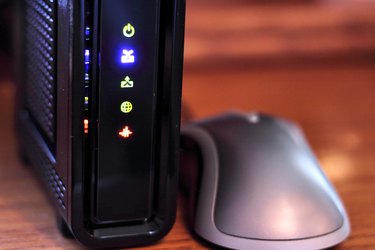
Your Internet signal strength is an important factor in determining the speed of your browser and how your computer handles the transmission speed of videos and sound. When you're having issues with your cable modem, many service providers will test your signal strength from their end, but you can do this on your own. When you check the signal strength on a cable modem, you can help your provider diagnose your problems much more quickly and get things working the way that they should.
Step 1
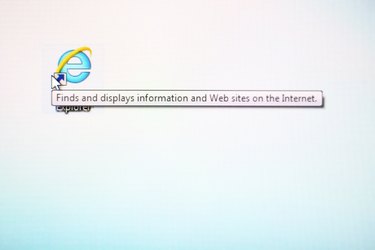
Open an Internet browser window.
Video of the Day
Step 2
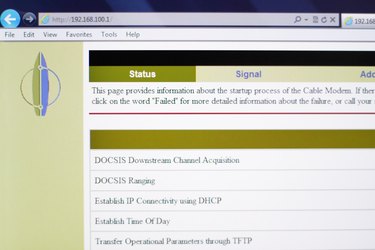
Type http://192.168.100.1 into the address bar of the browser. This is the universal modem IP address.
Step 3
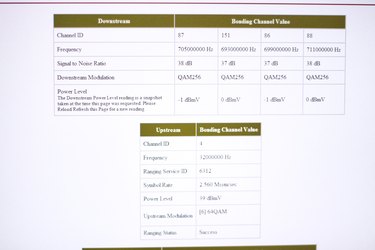
Scroll down the diagnostics page that you pops up until you reach the section that shows your cable modem's Downstream SNR, Downstream Power, Upstream SNR and Upstream Power.
Step 4

Write down the values for each of the signal strength values. You can use this information for technical support if necessary.
Video of the Day