During day-to-day use, you don't normally need to reset Android tablets, but if apps are misbehaving, freezing or running slowly, restarting the system might clear up the problem. Turning off the screen doesn't reboot the system -- think of it as putting your tablet to sleep.
How to Restart
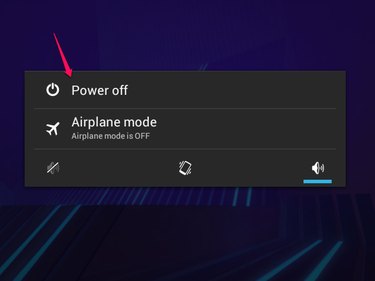
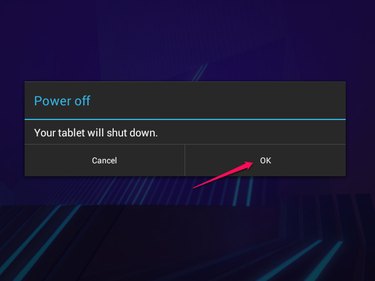
To reboot your tablet, hold the Power button -- the same button you use to turn the screen off and on -- for a few seconds to open the power menu, and tap Power Off. Tap OK to confirm. When the screen shuts off, press and hold the Power button again until the tablet begins to boot. Some tablets also have the option to Restart directly on the power menu.
Video of the Day
Video of the Day
Force a Shutdown
If your tablet is completely frozen and the power menu doesn't show up when you press and hold the Power button, force a shutdown by holding the Power button for about 10 to 20 seconds. Only use this option if the regular method doesn't work.
Reboot to Safe Mode
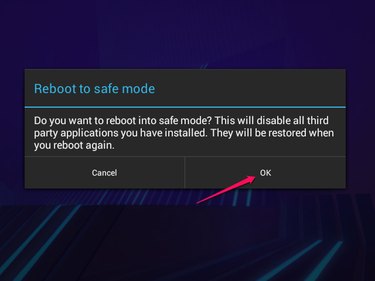
If your tablet has ongoing problems, reboot into safe mode to start the system without loading any of your downloaded apps. If your tablet works well in safe mode, the problem is most likely the fault of an app you've added. To reboot to safe mode, hold the Power button for a few seconds and then -- instead of tapping Power Off -- press and hold it. A notice pops up, asking if you want to use safe mode. Tap OK to reboot. To return to normal operation after using safe mode, turn your tablet off and on again.