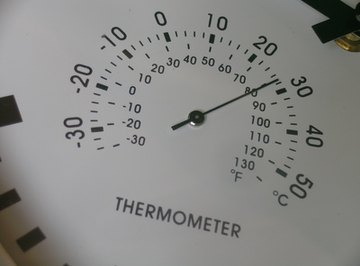
Measuring the temperature outdoors is one of the most basic aspects of weather observation. The outdoor temperature can affect many things about your day; it can even determine whether you'll spend your day indoors or out. Having a thermometer outside can also help determine when plants should be covered or brought inside in the winter. Thermometers are simple to use and come in a wide range of prices, with the more expensive ones offering more functions than simple temperature reading.
Purchase a thermometer. Depending on the price you want to spend, you can get a simple thermometer or a "weather station" that will tell you various other aspects of the weather (such as wind speed, rainfall amount, and humidity and barometer readings). Some digital thermometers have a remote display that allows you to read the outside temperature from the comfort of inside your home.
Choose a place outside for your thermometer. For accurate temperature readings, this should be a place that doesn't get direct sunlight but is not in complete shade, since both of those locations can cause an inaccurate temperature readout. Also try to keep the thermometer away from things like concrete, outdoor vents and anywhere snow builds up in wintertime.
Hang or install your thermometer according to the thermometer's instructions.
Read your thermometer according to the instructions included with it. If it's a simple thermometer, it will probably have a glass rod with a bit of "mercury" that extends up to the current temperature. A digital thermometer will give you an easy-to-read temperature display.
References
About the Author
Henrietta Padgett began writing for various websites in 2010. Padgett holds a Bachelor of Arts in English and interned for a small publisher who specialized in health and cooking articles. She enjoys writing about her favorite interests, including hair care, books, languages (especially Latin) and animals.
Photo Credits
thermometer image by Alfonso d'Agostino from Fotolia.com