Whether you have a MasterCard credit, debit or prepaid card, you can check your current balance to assure that you have enough money to cover your purchases. MasterCard does not issue its own cards, but rather partners with financial institutions to provide MasterCard branded credit and debit cards specific to each bank.
Through Issuing Bank
Video of the Day
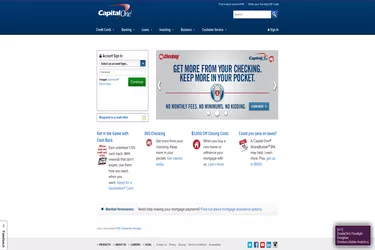
Most issuing banks offer online accounts to check your MasterCard balance. To sign up, visit that issuing bank's website and follow the link to register or enroll for an online account. A Capital One user, for example, clicks on the "Enroll Here" link, enters her Capital One MasterCard account number, Social Security number or Tax Identification Number, and email address. You'll also need the three-digit security code found on the back of the card.
Video of the Day
Via Monthly Statement
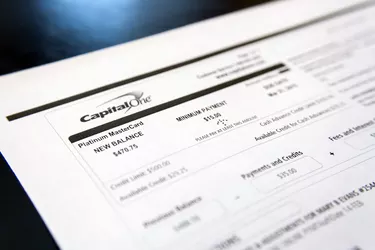
Each issuing bank also sends you a monthly statement, either online or through the mail. Your monthly statement includes your card's balance at the time the statement was sent, as well as all the card's activity from that month.
Over the Phone
Another option for checking a balance is calling the customer service number located on the back of your card. For example, Fifth Third MasterCard holders call the number on the back of their cards, enter their account numbers and automatically hear their current balances on that account.