Adding photos to your eBay auction not only shows buyers what you are selling, but the photos can identify specific details and features of the item. EBay requires at least one photo for each listing, and you can add up to 12 photos to each listing for free. EBay allows photos in JPEG, PNG, TIFF, BMP and GIF formats. JPEG files need to be 7MB or smaller, unless copying from a website. For all file types, the longest side must be at least 500 pixels; the recommended length is 1600 pixels. Add your own photos, copy one from a website with permission or use an eBay catalog image.
Adding Your Own Photo
Video of the Day
New Listing
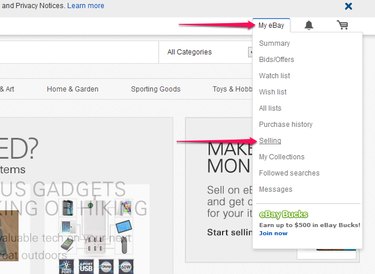
To add your own photo of an item to a new listing, click My eBay and select Selling from the drop-down menu. Select Sell an Item, type the description to categorize the item and click Create.
Video of the Day
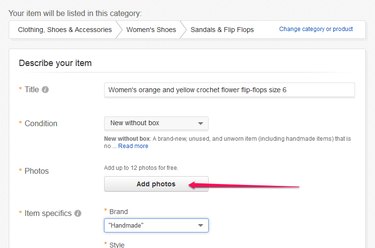
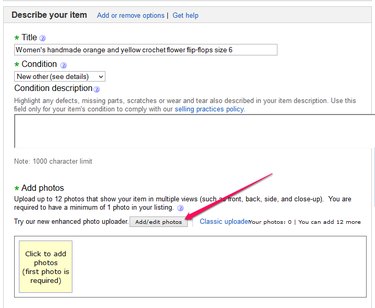
In the Describe Your Item section, click Add Photos. From the File Upload box, choose a file and click Open.
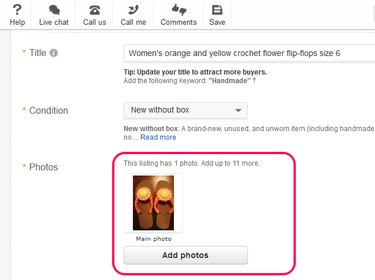
The added photo is displayed along with a reminder to add more photos. EBay optimizes each photo with eBay's zoom feature so the image enlarges when you hover over it on the auction page.
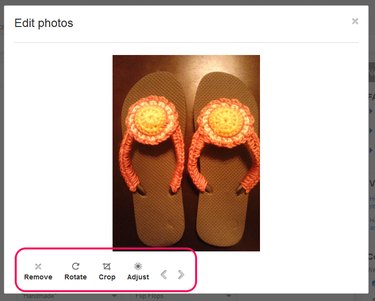
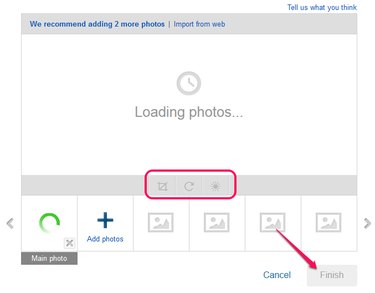
If you want to make changes to the photo, click the image. The pop-up gives options to rotate, crop, adjust or remove the photo.
Existing Listing
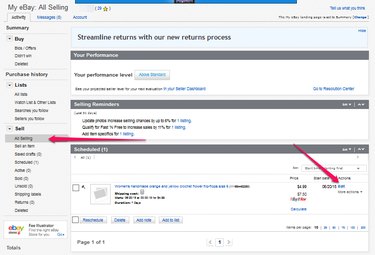
To add a photo to an existing listing, go to your My eBay page and select All Selling from the Sell menu. From the list of items, choose the listing you want and click Edit.
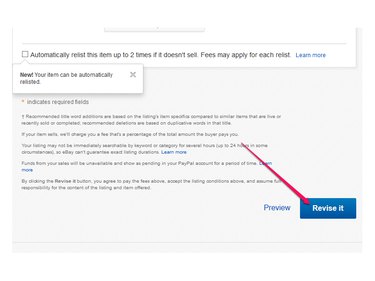
Select Add Photo in the "Describe Your Item" section. When finished, click Revise It.
Copying Photos From a Website
Another option for adding photos is to copy a photo from a website. Copying photos comes in handy if you are selling a manufactured product and want to use the image provided by the supplier, or if you want to import an image from your own website. Photos from websites must be smaller than 12MB and can only be used as the first picture if the item is new.
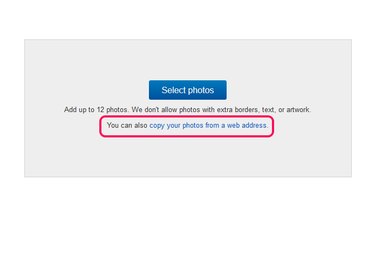
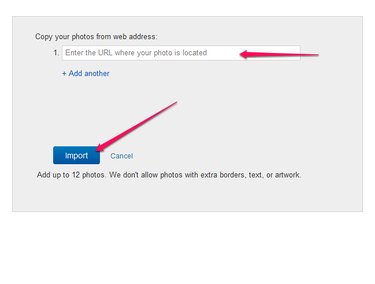
Create a new listing or open a listing from your seller page. After you click Add Photos, choose Copy Your Photos From a Web Address.
Enter the URL and click Import.
Edit the photo if necessary and click Finish.
Choosing an eBay Catalog Photo
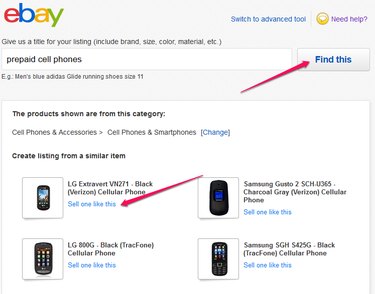
EBay lists items in its catalog with pictures you can use in your listings. To choose an eBay catalog photo, you must first create a new item by selecting Sell an Item from your seller page. Enter a description of the item and click Find This. Choose the image that matches your item and click Sell One Like This. The image is added to the item listing. Add additional details to complete the listing.