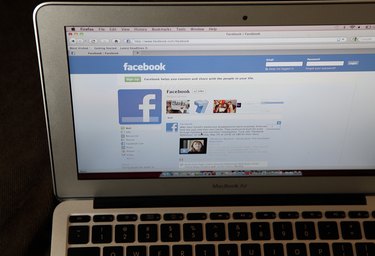
Third-party applications and browser extensions that promise to show you who's looking at your Facebook profile are mostly scams; Facebook doesn't support the functionality of tracking profile views. Assume that anyone you've added as a friend could be reading your statuses and other page content, as there also is no way to know which friends have hidden you from their News Feeds. However, Facebook's privacy options do allow you to define which friends can see various parts of your profile and the content you post.
Step 1
Check your privacy settings. Facebook allows you to define individual settings for each type of content available on your profile, such as posts, photos, family and relationship status, bio and check-ins. The default setting for some of these options is "Everyone," meaning anyone who visits your Facebook page. If you only want people you've added as a friend to read your posts, set the "Your Status, Photos, and Posts" privacy level to "Friends Only."
Video of the Day
Step 2
Define custom friend groups and use them to control who sees which posts. To do this, click "Account," then "Edit Friends" at the top right corner of your Facebook homepage. Click "Create a List," give the list a name and choose who you want to appear in the group. When you post something, click the lock button next to "Share" and choose "Custom," then select "Specific People" and type the name of the list with which you want to share that content.
Step 3
Unfriend anyone you don't want to be reading any of your Facebook content. Go to "Edit Friends" and click the "X" next to anyone you want to unfriend.
Video of the Day