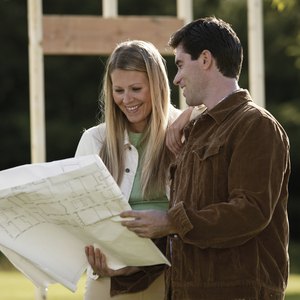


The idea of building a home intrigues many people, especially those who own homes with lackluster design features. Home building is an exciting project; however, it can be a stressful and challenging journey for those without experience. Many people simply don't know how to get started. Although the process can be complex, there are generally some initial steps to take when embarking upon the journey of constructing your new home.
Determine Your Budget
Calculating how much you can afford for a new home is crucial for the success of a home-building project. This should take place at the very onset of your planning and research because all other building decisions are affected by the amount of money you have to spend. This covers what size of home, type of materials, location and quality of the builder. It may also be helpful to sit down with an experienced lender who deals frequently with new construction home loans.
Find a Location
You'll need to decide whether you'd like to live within a subdivision or away from town in a more rural area. Most areas within city limits have tighter covenants and restrictions, and these neighborhood rules may interfere with your intended use of the property. The absence of readily available amenities such as water, electricity or sewer systems in rural areas not only affects your decision, but also your pocketbook. Wells and septic systems may come with hefty price tags, so it's important to obtain accurate project cost estimates before purchasing a lot.
Choose a Builder
Finding a reputable builder is crucial to making your dream a reality, and it's a good idea to interview several. Remember, you'll be dealing with this person or company for several months during the construction process. It's important to check references, ask about any warranties offered, standard features included or charges for upgrades or change orders, which are structural or cosmetic changes made by a buyer after blueprints have been drawn and construction has began. Additionally, it may be a good idea to get a rough estimate of price per square foot so you can begin to select a house plan.
Pick a House Plan
Your builder may have a selection of plans available for you to review -- complete with a price list and description of features -- or you may have the option of designing your own plan, referred to as a custom build. Whichever route you take, it's important to remember that a house plan needs to be aesthetically pleasing and functional. Key items to study can include the general layout, room dimensions, width of hallways, amount of storage space and special accessibility considerations.
References
Writer Bio
Meribeth Phipps has been a real estate broker since 2000, specializing in residential new home sales. She holds a bachelor's degree in business and marketing.