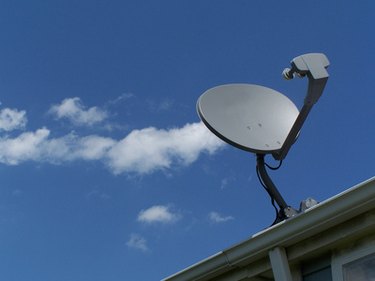
If your HughesNet satellite Internet experiences slow to no Internet, it may get in the way of your productivity or entertainment that can be conducted online. Unfortunately, inclement weather and other factors affecting the satellite dish can cause issues with your Internet connection. If the weather is fine, then there may be other factors that you can troubleshoot before needing to contact HughesNet's technical support for further assistance.
Step 1
Check all cords and cables from the satellite to the modem and the modem to the computer. Sometimes cables can go bad or they become loose, which can cause interference with your Internet connection. Replace any cables with additional cables you may have in the house to test if the cables are the problem.
Video of the Day
Step 2
Check your modem and use the modem troubleshooting testing software to fix any issues. Go to the Hughes Net System Control Center (see Resource). Click "Connectivity test" under diagnostic utilities and "Problem troubleshooting." The modem will check HughesNet as well as check the modem to determine if there are any problems that may be impeding your Internet connection.
Step 3
Reset your HughesNet modem. Most modems and wireless routers have reset buttons either located on the back or the base of the modem. Press and hold the reset button with a pointed object like a toothpick or a gem clip. Keep the button pressed and held until the lights go off on the modem and turn back on. If it does not have a reset button, unplug it, wait 1 minute, and then plug it back in.
Step 4
Check the Internet satellite dish to ensure screws have not become loose or that it has not been turned or moved from the service location it was initially set.
Video of the Day