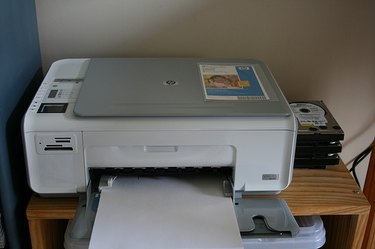
If you bought a used printer, you likely got a great bargain, but it is unlikely the printer came with an installation disc. If you bought a new Hewlett Packard (HP) printer, you should have received an installation disc. If you haven't, you can still install your HP printer in no time.
Step 1
Examine the printer to find your model number. Most HP printers place the model number on the front or back of the printer.
Video of the Day
Step 2
Visit the HP Support website to download the appropriate drivers. Enter your model number and choose your operating system to download the correct drivers.
Step 3
Connect the printer to the computer according to the package instructions.
Step 4
Open your computer's Start menu and select "Control Panel," then select "Printers" under "Hardware." Click on "Add a Printer." Use the recommended port to install the printer.
Step 5
Select the brand (HP) of your printer, then select the model number. Click "Next" and allow the wizard to install your printer. Print a test page to make sure it works correctly.
Video of the Day