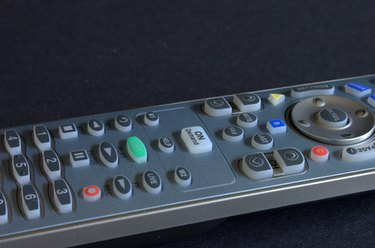
A Digital Video Recorder, or DVR, allows you to save digital recordings of television programs for later viewing. Because the recordings are stored digitally on a hard drive, they can be transferred to another source. This capability can come in handy if you are going to be replacing your DVR unit and you have saved programs that you don't want to lose. Back up your Comcast DVR's saved programs by following a few simple steps.
Equipment check
Video of the Day
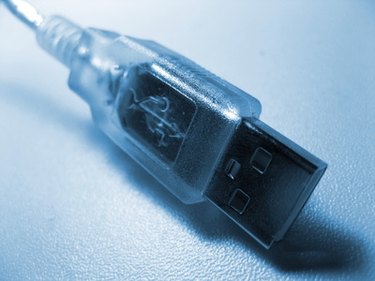
The first thing you need to know is what type of cables you will need to transfer files from your DVR. Some DVR models used by Comcast have USB ports. Some have Firewire ports. Many models have both USB and Firewire. Firewire is typically faster. You also need to know what you can support on the other end. If you are transferring files to your computer, make sure you have the proper port, such as USB or Firewire. Once you have verified this, obtain the appropriate data cable.
Video of the Day
File Transfer with a PC
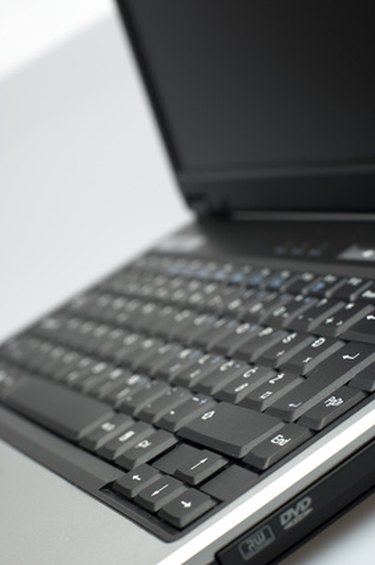
Connect your data cable (USB or Firewire) to the DVR unit. On your computer, double-click "My Computer." Browse through the list of drives until you see a drive that specifies the DVR unit. It may be labeled as a DVR, or it may be labeled as a hard drive or generic storage device. Double-click the DVR drive to open it. In a separate window on your computer, open the folder you want to transfer the files into. The files will usually have a ".tr" extension. Drag and drop the files from the DVR into the folder on your computer.
File Transfer with a Mac
Connect your data cable to the DVR unit. On your Mac computer, click "Mac HD." Browse through the list of drives until you see a drive that specifies the DVR unit. It may be labeled as a DVR, or it may be labeled as a hard drive or generic storage device. Click the DVR drive to open it. In a separate window on your Mac, open the folder you want to transfer the files in to. Drag and drop the files from the DVR into the folder on your Mac.