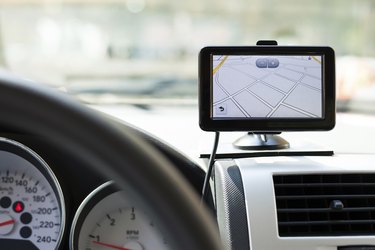
As roads and information on points of interest change, it's important to update your GPS device to reflect the most recent data. Like many GPS services, Mio uses a firmware program you install on your computer to manage new map purchases and updates. MioMore communicates with your GPS device when you connect it to your computer's USB connection and allows you to move data on or off the device. Whether you're using the value Moov M-Series, a Moov PND model or the sleek Moov S-Series, you can use MioMore to quickly update your GPS maps.
Step 1
Make sure MioMore is installed on your computer. You can install the application by inserting the CD that came with your device into the computer and following the setup instructions or download the most recent version from Mio's website (see Resources).
Video of the Day
Step 2
Launch MioMore by clicking on the program's icon in your computer's applications.
Step 3
Connect your Mio GPS unit to the computer with the USB cable that came with the device. Power on your GPS device.
Step 4
Click on the "My Maps" tab in the software window. MioMore lists all of the maps available for your device. Maps in green are already installed on your GPS, yellow maps are ready to be installed on the device and maps requiring activation are displayed in red.
Step 5
Select a yellow or red map by clicking on the icon. In the case of a red map, the activation wizard will launch and direct you to Mio's website to purchase a product key for the map. Enter the product key code into the wizard and click on "Next" to activate the map. Red maps turn yellow in the My Maps window once activated.
Step 6
Click on the icon for your GPS device below the My Maps window.
Step 7
Click on the "Transfer Now" button to transfer the map updates to your device. The map will display as green in the My Maps section once the transfer is complete.
Video of the Day