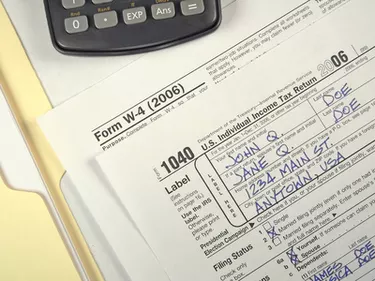
Preparing tax returns can prove challenging enough without having to contend with decimal figures. To make calculations easier, the Internal Revenue Service allows, but does not require, taxpayers to round amounts to the nearest dollar. However, you only may round numbers you enter on your tax return, not the numbers that you use in your calculations. In addition, you either must round all of your amounts or none of your amounts; you cannot pick and choose.
Step 1
Calculate the amount that you are supposed to enter on a particular line without rounding. For example, if you are entering income from taxable interest and you earned $120.30 from Bank A and $234.40 from Bank B, you would calculate the amount to be entered to be $354.70.
Video of the Day
Step 2
Round the calculated amount up to the nearest dollar if the number of cents equals 50 or more. For example, if you were supposed to enter $354.70, enter $355.
Step 3
Round the calculated amount down to the nearest dollar if the number of cents is below 50. For example, if the amount you are supposed to enter equals $164.29, the IRS allows you to enter $164.
Step 4
Repeat the process each time you enter an amount onto your tax return. Remember that if you round once, you must round every time.
Video of the Day