
All levels
|
42 min 37 sec
|
00:44
|
|
00:59
|
|
03:39
|
|
05:08
|
|
07:32
|
|
02:04
|
|
03:14
|
|
02:27
|
|
02:04
|
|
10:27
|
|
02:48
|
|
01:31
|

Taught by Improv Sewing
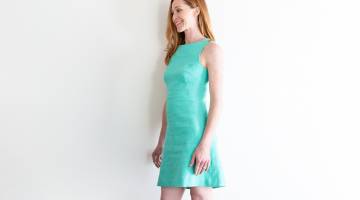
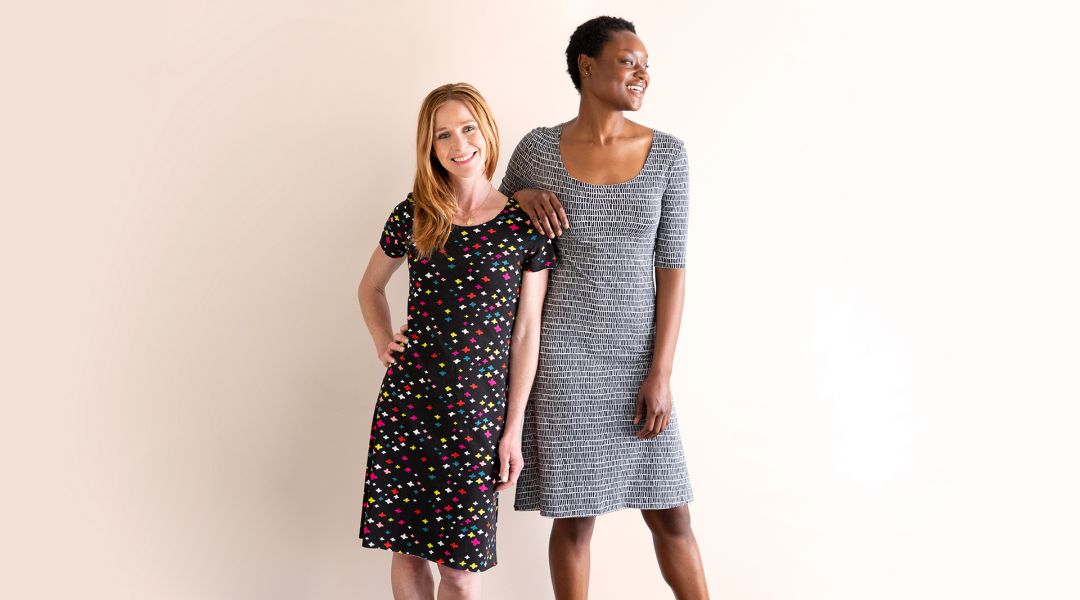
Want to make a custom-fit wardrobe? Instead of using traditional patterns, the Improv Sewing team sews a wardrobe from a single set of pattern pieces made by tracing a well-fitting t-shirt. Sacrifice that favorite tee (the one with a little stain on it) for a closet full of favorite tops, tunics and dresses!
Tools:
Learn how to:
What you’ll get:
Here’s what you’ll need:
- sewing machine
- sewing ruler
- cutting mat
- rotary cutter
- well-fitting t-shirt
- large piece of paper
- 1.5 yards of jersey fabric
- thread
- chalk
Downloads:
- Use a t-shirt as a base for a pattern
- Make tops, tunics and dresses
What you’ll get:
- An easy-to-follow lesson on using a t-shirt to expand your wardrobe
- 11 HD video lessons you can access online anytime, anywhere
- Itemized supply list
- Step-by-step instruction by the expert instructors of Improv Sewing
- The ability to leave comments, ask questions and interact with other students





Member Gallery
Browse members' projects from this class and share your own work! Learn how to take great photos here.
Load More
Trace a T-shirt, Make a Wardrobe Reviews
628 users recommended this class to a friend

Dana Jowers
Very interesting. I so wanted finished edges even though the knit wouldn’t ravel.
March 19, 2024
ta ba
A really easy pattern for beginners. Thank you
March 11, 2024
Anne Golden-Vazquez
Wish they showed how to do this w/o cutting up a shirt you like. But the tips on using chalk, rulers, and the sleeves and necklines were really good.
More than 3 months ago
Related Classes