Things You'll Need
Inkjet vinyl adhesive sheets
Clear laminate sheets
Standard printer paper
Scissors
Printer
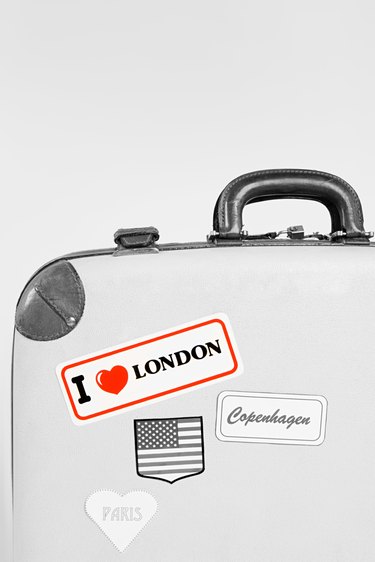
Display your favorite artwork or your own creations as stickers. No need to pay for special custom printing services -- just pick up a few sheets of inkjet vinyl adhesive sheets and clear laminate sheets at your local office supply store. With these specialty papers and a working printer, you can print as many vinyl stickers as you need.
Step 1
Select an image to place on your sticker. Free downloadable images are available online. You can also use free software meant for creating and manipulating images.
Video of the Day
Step 2
Print out a test copy of your image on standard printer paper. On your computer, make any desired adjustments to the image size, number of images on the sheet or color. Print another test copy to confirm the changes.
Step 3
Place a sheet of adhesive vinyl with the vinyl side up -- or facing the ink -- into the printer.
Step 4
Print your images onto the vinyl adhesive sheet.
Step 5
Place a sheet of clear laminate over the top of the vinyl sheet only. Do not laminate the back of the vinyl sheet -- it is already covered with a protective wax paper. The clear laminate will help prevent the ink on your sticker from smearing.
Step 6
Cut the image out of the adhered sheets. Trim carefully around the image to create clean edges for your sticker. Peel off the protective paper backing and place your sticker wherever you please.
Tip
Vinyl sheets are thicker than standard paper. Your printer may have trouble pulling them through the roller. Try adjusting the printer settings for a thicker type of paper, such as card stock. You may also help the printer pull the sheet through the roller with a gentle nudge.
Video of the Day