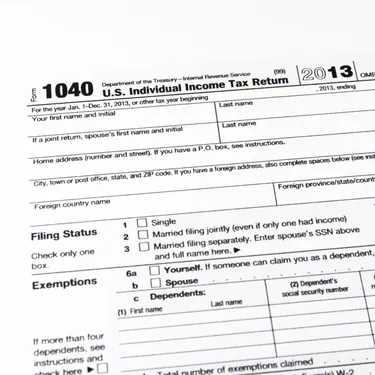
Your adjusted gross income refers to your total taxable income for the year minus certain deductions, called adjustments to income. The IRS may request you to submit your prior year's AGI with your current year's tax return to verify your identity. The line of your prior year's return to check for your AGI varies depending on which form you used. Your AGI is on Line 38 of Form 1040, Line 21 of Form 1040A or Line 4 of Form 1040EZ.
Requesting AGI from the IRS
Video of the Day
If you don't have your tax return from the prior year, you can call the IRS at 800-829-1040 to verify your AGI from the prior year. Alternatively, you can request a free copy of a transcript of your tax return from the prior year to check your AGI. To order a transcript, call the IRS at 800-908-9946 or go to the IRS website to view your transcript online or order a copy by mail. You must provide your name, date of birth, Social Security number, filing status from your last return and address from your last return.
Video of the Day