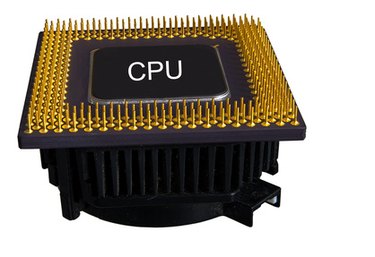
Clock speed is the frequency of your computer's central processing unit. This is also known as bus speed, because the front side bus is the mechanism that connects your CPU to the system memory. Clock speed determines how quickly your computer can perform basic calculations and functions. Clock speed is normally measured as a frequency in megahertz or millions of cycles per second. Multiple online clock speed tests are available online. However, windows has its own utility for testing clock speed.
Windows Clock Speed Test for XP and Server Operating Systems
Video of the Day
Step 1
Click "Start." Click "Run." Type "wbemtest". Click "OK.
Video of the Day
Step 2
Click "Connect."
Step 3
Type "root\cimv2" in the box at the top. Click "Connect."
Step 4
Click "Enum Classes." Click "Recursive." Click "OK. "
Step 5
Scroll down to "Win32_Processor (CIM_Processor)" and double-click.
Step 6
Click "Instances." Double-click Win32_Processor.DeviceID="CPUO".
Step 7
Scroll down in the "Properties" box to view "CurrentClockSpeed" and "MaxClockSpeed."
Windows 7 Clock Speed Test
Step 1
Click on the Windows icon on the taskbar. Type "wbemtest" in the "Search programs and files" box. Press "Enter." Click "Connect."
Step 2
Type "root\cimv2" in the box at the top. Click "Connect." Click "Enum Classes." Click "Recursive." Click "OK. "
Step 3
Scroll down to "Win32_Processor (CIM_Processor)" and double-click.
Step 4
Click "Instances." Double-click "Win32_Processor.DeviceID="CPUO".
Step 5
Scroll down in the "Properties" box to view "CurrentClockSpeed" and "MaxClockSpeed."