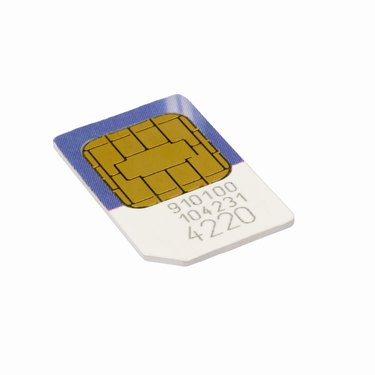
An inactive subscriber identity module, SIM, is currently not under contract from a cellular service provider. An inactive SIM card's information is not accessible via a cellular phone's menus and you cannot make any calls using a phone containing an inactive SIM. Your cellphone will immediately let you know if the SIM is active or inactive. You must have the inactive SIM activated through a cellular carrier before you can use the phone.
Emergency Calls
Video of the Day
You may or may not be able to make emergency 911 calls with a phone containing an inactive SIM. The card's previous cellular carrier may process your call to 911, if the SIM card was recently made inactive. But you will not be able to call any other service or person using the phone containing the inactive SIM card. Once you are done calling 911, press the "End" button to disconnect from the 911 service.
Video of the Day
Activating
Take your cellphone to an area cellular shop or service center for activating the phone's SIM card. The shop or center's technician will let you know what cellular service provider you can use. Each SIM card contains a unique number that is imprinted on the card and needed to activate the phone. Activation fees apply and you may or may not have to pay a deposit to turn on your cellphone.
No Time Limit
You don't have a specific time limit to activate your cellphone containing an inactive SIM card. You can activate the SIM whenever you want to. You can also decide to trade the phone in for a newer model but the SIM card may or may not work in the new phone though.
Disposal
You can also recycle a cellphone containing an inactive SIM, if desired, without any worry of someone using the phone to make calls. You also don't have to worry about someone retrieving any personal information about you from the phone including your name and phone number since the SIM card is inactive, and any cellular contract information is no longer accessible on the card using the phone's keypad.