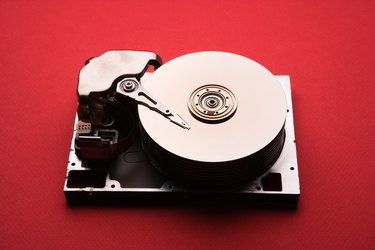
If your SATA hard drive fails, you may face massive data loss. SATA (Serial Advanced Technology Attachment) hard drive failure occurs when the hard drive has melted internal components or stuck heads due to physical abuse or old age. Without a proper backup, you must get the drive working long enough to recover the data. Fixing a dead SATA hard drive is no different than fixing any other type of hard drive.
Check the Cables
Video of the Day
Step 1
Remove the screws from the computer case and lift (or slide) it from the chassis.
Video of the Day
Step 2
Check the cable connection between the hard drive and the motherboard, and push the cable in if it is loose.
Step 3
Look for any breaks or tears in the cable, and replace it if you see any. Purchase SATA cables at any local computer store.
Replace the Drive's Circuit Board
Step 1
Swap out the hard drive's circuit board (PCB) if the drive is unreadable and is also not making any abnormal noises. You can purchase an exact model hard drive from eBay, a third-party vendor or from the manufacturer, and use the new drive's circuit board to replace the one on the failed drive.
Step 2
Unscrew the casing screws on the circuit board side and remove the case. Remove any visible screws from the circuit board.
Step 3
Remove the circuit board carefully, making sure to disconnect any ribbons or cables. Place the new circuit board into the drive, reconnecting everything, and replace the screws and drive case.
Release the Stuck Heads by Freezing the Drive
Step 1
Turn off the computer, put the drive into a zip-top bag and place it in the freezer. Use this technique if the drive is making abnormal clicking noises. The idea is to release stuck heads that read the drive data.
Step 2
Take the drive out of the freezer after two hours and connect it to the computer, leaving it in the zip-top bag to avoid condensation. This may require you to set the drive down inside the computer case. Turn the computer on and attempt to read the drive data. If the data can be read, copy it to another drive immediately before the drive heads become stuck again.
Step 3
Turn off the computer, disconnect the drive and shake it if the data still cannot be read. Hold the drive in your hand and shake it with long, fluid motions (not like shaking a soda can). Reconnect the drive, turn on your computer and try reading the drive again.