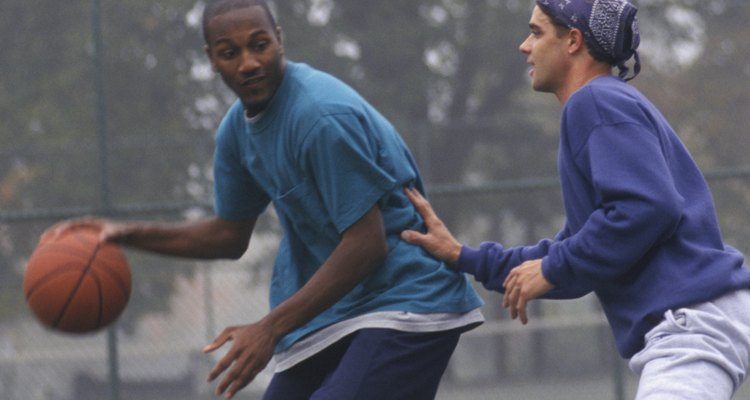
In the 1980s Nike debuted two shoe series that changed how players and fans viewed basketball shoes: the Nike Dunk and the Nike AF1 ("Air Force 1"). The Dunk's color combinations made it instantly recognizable. The AF1's air-infused sole made it a favorite for professional and recreational basketball players. Both series have transcended the basketball court: The Dunk is a favorite of skateboarders, and the AF1 is an icon in the hip-hop community.
The Nike Dunk
At its debut in 1985, the Nike Dunk looked and performed differently than other basketball shoes. Designed for the college basketball market, Nike Dunks were available in two-color schemes to match team uniforms. Available in high-top and low-top, the Dunk weighed less than other basketball shoes, but its paneling could better sustain moves like pivoting. Nike released a new Dunk series in 1998 with arch support, a nylon tongue and a wider variety of color combinations. In addition to team colors and non-team colors, many models are available in two versions of a color scheme, with switched primary and secondary colors. Nike Dunks are also available in patterns and different textures.
The Nike Dunk and Skateboarding

The late-1990s low-top Dunks became so popular with skateboarders that in 2002, Nike introduced the Nike Dunk SB (skateboard) series. The Dunk SB has a puffy (padded) tongue and Zoom Air insole to better absorb shock.
The AF1
Introduced in 1982 and re-introduced in 1986, the Nike AF1 was the first basketball shoe to use Nike Air, an air-infused cushion in the shoe's sole. Used for professional and recreational basketball, it is available in high-top, mid-top and low-top versions. The mid-top and high-top models have a velcro strap. AF1 laces have a removable medallion inscribed "AF1" and "82." The Nike AF1 is available in solid black or white, color combinations, patterns and different textures.
The AF1 and Hip Hop
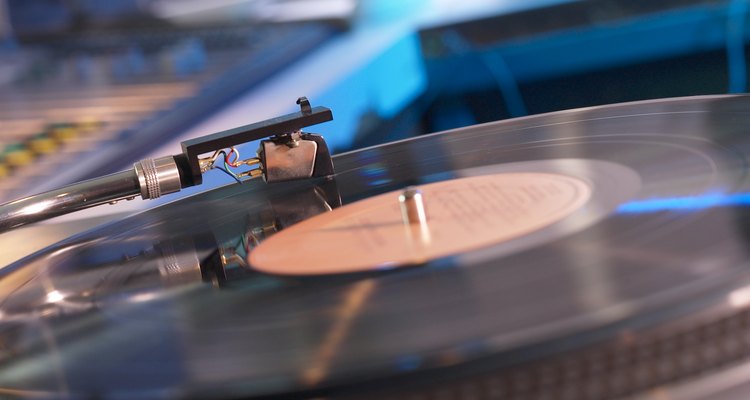
Nike AF1s are worn by many hip-hop artists and have been immortalized in many songs, including Nelly's 2002 hit, “Air Force Ones."
Shoes as Collector’s Items
Nike has released many limited edition series for both the Dunk and AF1 lines of shoes, transforming many models into collector's items.
Related Articles

What Companies Does Nike Own?
Facts About Air Jordan Shoes

Types of Nike Shoes
How to Change the Soles on Nike Air ...

The First Converse Shoe

Ways to Lace Hyperdunks

Difference Between Vans Era & Authentic ...
How to Clean Vans Slip Ons
What Are Converse Shoes Made Out of ...
What Is the Meaning Behind the Converse ...
How to Treat Doc Martens With Mink Oil
How to Clean Retro 11 Jordans
Interesting Facts About Vans Shoes
How to Clean Marks From Nike Mercurial ...
How to Clean White Air Force One Shoes

What Is the Difference Between Nike Air ...
How to Lace Nike Air Shoes
How to Clean Dr. Martens Shoes
The History of Converse Shoes
How to Clean TEVA Sandals
References
Writer Bio
Carol Iaciofano has developed classroom and online courses for many technology companies. She coauthored the book "Digital Deli" and writes for publications including "The Boston Globe" and "The Boston Herald." Iaciofano has a B.A. in English and music from University of New Hampshire and a Certificate of Computer Science from Wesleyan University.
Photo Credits
Doug Menuez/Photodisc/Getty Images