
If you've just moved into a new home, you may want to remove and replace deadbolt door locks for reasons of security or aesthetics. Kwikset deadbolts can be removed with a few simple tools. Then you have the option of rekeying the old lock or replacing it with a design that better suits your personality.
Step 1
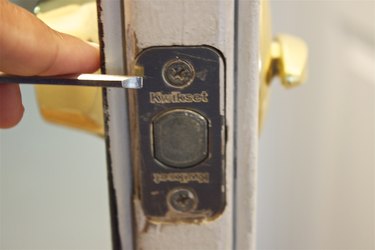
Pry off the inside deadbolt cover using a small flat-blade screwdriver. Remove the pin that holds the thumb lever in place with an appropriately sized Allen wrench. Then pry off the lever and inside cover to access the mounting screws. If there is no cover and the mounting screws are visible, proceed to Step 2.
Video of the Day
Step 2
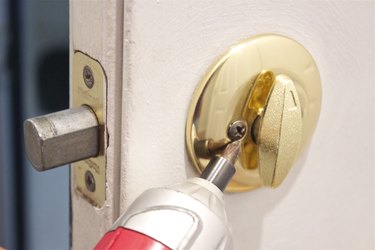
Remove the two mounting screws from the interior cover using the Phillips screwdriver. Grip the deadbolt housing from both sides of the door and remove the parts. Place the two deadbolt halves and screws in a box to keep track of all components.
Step 3
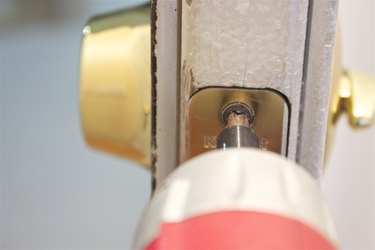
Remove the two screws that hold the latch in place with the Phillips screwdriver. Access these screws from the side of the door. Keep track of these pieces in your box.
Step 4
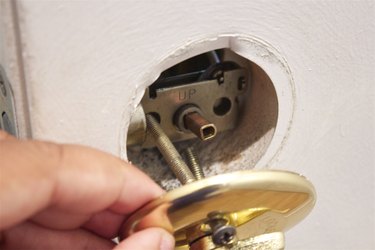
Remove the deadbolt latch by sliding it out the side edge of the door.
Video of the Day