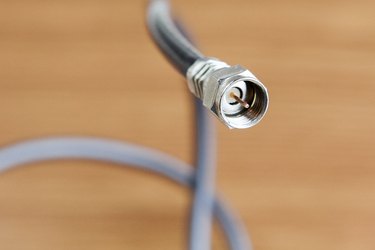
A coaxial cable is commonly used for connecting cable or satellite TV service to a television. The end of the cable features a threaded plug with a rigid wire inside. However, you may want to convert the coaxial plug to an RCA plug for some connections, such as hooking up a DVD recorder or VCR between the cable or satellite box and your television. This conversion is possible by using an adapter that is available at electronics stores.
Step 1
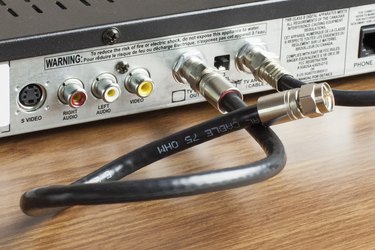
Unscrew one end of the coaxial cable from the device it is hooked up to. Leave the other end of the cable connected to the satellite or cable box.
Video of the Day
Step 2
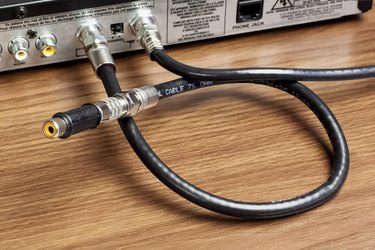
Thread the outer ring of the coaxial cable plug onto the threaded RCA adapter, taking care not to bend or break the rigid wire inside the coaxial plug.
Step 3
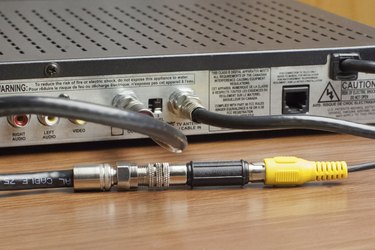
Insert an RCA cable plug into the female RCA connector on the adapter.
Step 4
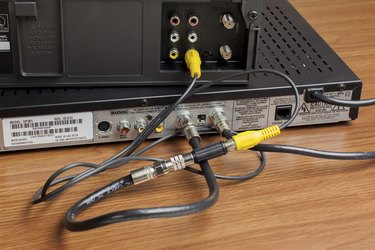
Plug the other end of the RCA cable into an electronic device to transmit the signal from the coaxial cable.
Video of the Day