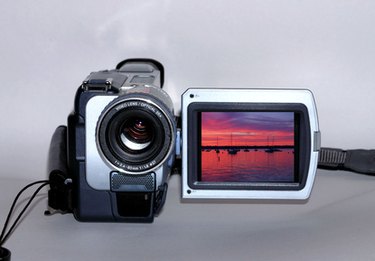
iMovie is a video editing application developed and distributed by Apple as part of the iLife suite of products for Mac computers. iMovie allows a user to import digital video from a camera to her Macintosh for editing and playback. Videos are brought into iMovie as individual clips. Audio is treated as a separate track in iMovie, allowing users to create voice-over narration, add different audio or simply remove the audio.
Step 1
Launch iMovie. Double-click the hard drive icon on the desktop of your Mac computer. Click “Applications” from the left navigation pane of your hard drive and click “iMovie” from the list of available applications.
Video of the Day
Step 2
Select the clip in the Viewer. Each segment of video is brought into the Viewer as individual clips. You can select which clips you wish to be part of your movie.
Step 3
Click “Advanced” from the iMovie top menu and select “Extract Audio.” The Viewer Timeline display will show the audio separated as an audio track just below the video track.
Step 4
Edit the audio track. Click on the audio clip in the timeline to select it. Move the “Playhead” to the desired spot you would like to edit. Click “Edit” from the top menu and then select “Split Selected Audio Clip at Playhead.” Click on the segment of audio you no longer want and press the “Delete” key on your keyboard. Repeat this process for each segment of audio you wish to remove. Highlight the entire audio track and press the “Delete” key to remove the entire audio clip.
Video of the Day