



Variables
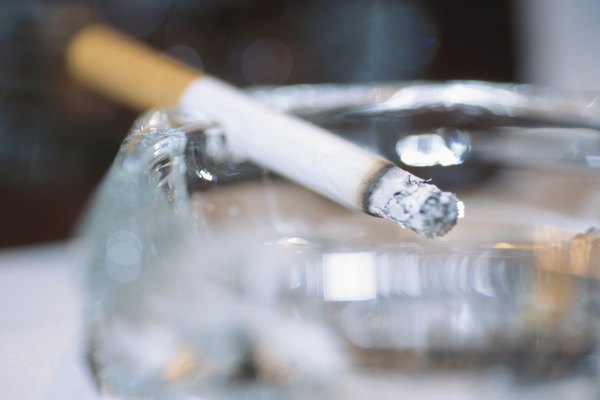
The healing process of a person's lungs depends on a variety of factors. No two people's lungs heal at the same rate. Factors that influence the healing factor of the lungs include how many cigarettes the smoker smoked a day before quitting, how many years the smoker smoked before quitting, the age of the smoker and any health problems.
Weeks

Within 72 hours, the bronchial tubes in a smoker's body relax and the ability of the lungs to take in air increases. The cilia of the lungs begins regrowing within three days of the last cigarette. Cilia are tiny hairs that line the upper airways of the lungs and help protect against infection. The chemicals in cigarettes are toxic to the cilia and destroy the cilia, making the lungs increasingly vulnerable to diseases, toxins and pollutants. Regrowth of the cilia is an essential first step. Without the cilia, the lungs cannot be cleansed of the other toxic substances that developed because of the smoking habit. Within two weeks, the former smoker will notice an increase in lung function during daily activities.
Months

After three months of not smoking, lung capacity rises by 30 percent. Within six months, the cilia of the lungs should have returned to the same state of a nonsmoker. After the cilia have returned to a normal state, the dead and damaged cells begin to be removed by the cilia. At the same time, the bronchus tissues begin to heal. These acts of healing typically start around six to 12 months. According to the American Lung Association, in the first nine months, any persistent coughing, sinus infections or other respiratory distresses associated with smoking decline.
Years

Tissues continue to heal and cilia continue to do their job for years after the smoker quits. As a result, lung capacity grows. According to the American Lung Association, after 10 years of not smoking, a former smoker's risk of developing lung cancer falls to half the risk associated with smokers.
Permanent Damage

Smoking damages the alveoli, or the tiny air sacs in the lungs. The main job of the alveoli is to take in oxygen and rid the body of carbon dioxide. When the alveoli are severely damaged, it is difficult for a smoker to breathe. According to the Canadian Lung Association, any damage done to the alveoli is permanent and cannot be reversed.
Detoxification

Some lung detoxification programs claim to use natural extracts and supplements to speed up the lung healing process. These programs supposedly work by breaking down the tar and other built-up substances to help the cilia clean the lungs faster. Medical professionals are not in agreement about the usefulness of such programs, and such detoxification programs often lead to gastrointestinal problems.
References
Writer Bio
This article was written by the CareerTrend team, copy edited and fact checked through a multi-point auditing system, in efforts to ensure our readers only receive the best information. To submit your questions or ideas, or to simply learn more about CareerTrend, contact us [here](http://careertrend.com/about-us).
Image Credit
Comstock Images/Comstock/Getty Images