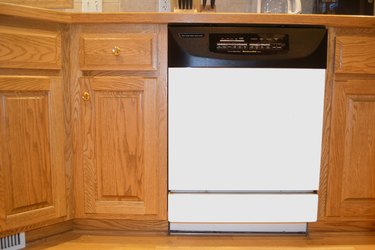
If you simply cannot figure out how to turn off the child lock on your KitchenAid dishwasher, you are not alone. Most people would assume there would be a button that would easily identify and indicate how to turn the child lock off, but that is not the case. Although the way in which the child lock is disabled is not very user-friendly or intuitive, it is an easy process that can be done within seconds with just a few quick steps.
Step 1

Locate the "Energy Saver/Dry" button on the dishwasher. The location of this button will be different depending on the specific model number of the dishwasher, but it should be easy to spot. If you have trouble finding it, you can check the diagram in the manual of your dishwasher for the exact location for your specific model.
Video of the Day
Step 2
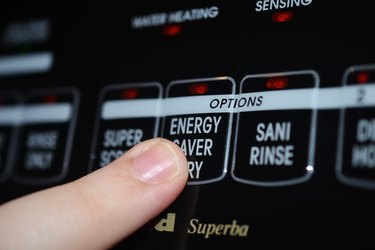
Press and hold down this "Energy Saver/Dry" button for at least four seconds.
Step 3
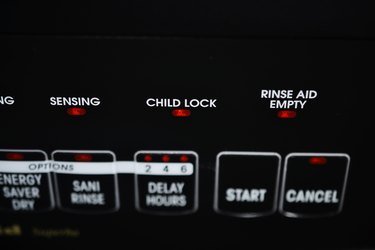
Check to make sure that the child lock indicator light has turned off. If this light is no longer on, this means you were successful at turning off the child lock. If the light is still on, repeat the process, but press and hold the "Energy Saver/Dry" button for a few seconds longer. If it still doesn't work, there may be a more complicated issue with your dishwasher. Call the manufacturer or a repair technician to determine if there is another problem with your dishwasher.
Video of the Day