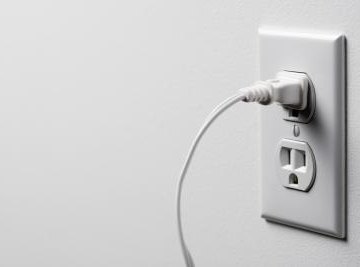

Electricity comes in two main forms: alternating current (AC) and direct current (DC). DC current has the flow of electricity going in only one direction (forwards), whereas AC current has the electricity going in two directions (backwards and forwards). DC current is easier for smaller devices to utilize and is the most common method of power supply for anything that runs on battery power as well.
Power supplies
Most electrical power from a wall outlet comes in alternating current form
AC to DC conversion
Alternating current must be converted to direct current (DC) by a rectifier.
Uses for DC current
DC current is commonly used to power small electronics
Electronic devices
Many devices, such as computers, stereos, and other smaller electrical appliances have their DC converting rectifier built right into the device.
Batteries
Batteries also supply a DC current, so any device that uses batteries also utilizes a DC power supply.
About the Author
Adam Cloe has been published in various scientific journals, including the "Journal of Biochemistry." He is currently a pathology resident at the University of Chicago. Cloe holds a Bachelor of Arts in biochemistry from Boston University, a M.D. from the University of Chicago and a Ph.D. in pathology from the University of Chicago.
Photo Credits
Jupiterimages/Polka Dot/Getty Images