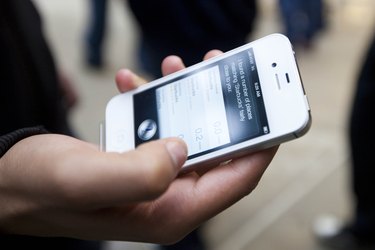
The iPhone is a multifunctional smart phone device that, in addition to making phone calls, allows users to browse the Internet, send email, download applications, listen to music and take pictures. When connected to the Internet, the iPhone is assigned an Internet Protocol, or IP, address. An IP address is used to identify different machines that are connected to a network. You can find the IP address on your iPhone by examining the "Settings" menu.
Step 1
Turn your iPhone on by pressing and holding the power button on the top right-hand side of the phone. Wait for the phone to boot to the Springboard, the iPhone home screen.
Video of the Day
Step 2
Tap the "Settings" icon on the Springboard. The "Settings" icon looks like gears and appears as the last icon in the third row in the default settings for the iPhone.
Step 3
Tap the "Wi-Fi" option in the "Settings" menu. Note that your iPhone must be connected to the Internet to have an IP address. If you are not connected to the Internet, tap one of the available networks listed under "Choose a Network," and connect to it.
Step 4
Click the blue arrow icon adjacent to the name of the network your iPhone is connected to. Your IP address is shown as the first item in the list.
Video of the Day