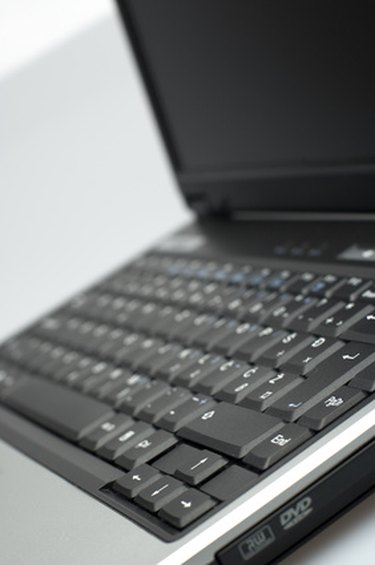
A laptop computer may make a wide variety of noises that are part of normal operation. The hard drive, fans and disk drives all make noises when you use the computer. If you hear a rhythmic clicking noise while operating your laptop, determine what is making the noise so you know which part of the computer you need to have fixed. If your laptop's hard drive is causing the noise, you may need to have the drive repaired or replaced.
Step 1
Insert a CD or DVD into the optical disk drive to determine if the drive is making the clicking noise. Power the computer off and on to determine if the noise persists while the computer is turned off, or if the noise only occurs while the computer powers up or runs.
Video of the Day
Step 2
Remove any CD or DVD from the disk drive. If the computer makes a clicking sound only when reading from the disk drive, the disk itself may be the problem or the drive may be bad. Insert a different DVD or CD in the drive. If the noise continues, replace the drive or take the computer to a repair shop.
Step 3
Remove the laptop from any uneven surface. If the surface is not level, the hard drive may not function properly and produce a clicking noise. Place the computer on a level surface and restart it to check that the clicking noise is gone.
Step 4
Back up any important information from your hard drive onto a CD or external hard drive. If the clicking sound is coming from your hard drive, the drive may be going bad. Back up your important information while the drive is still working. Take the computer to a professional computer repair store to determine if you need to replace your hard drive.
Step 5
Replace the hard drive if the drive makes a clicking sound because it no longer functions properly. Take the computer to a repair shop or send it to the manufacturer to replace the hard drive. If you have the expertise, you can purchase a new hard drive and replace it yourself. Consult your laptop owner's manual before attempting any repairs.
Video of the Day