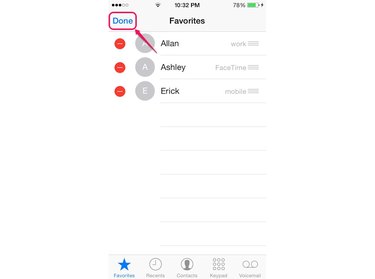
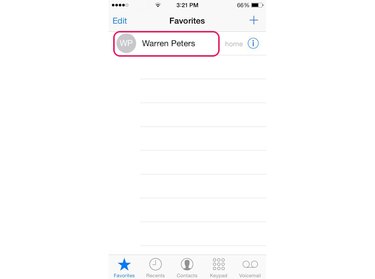
Although your iPhone's Favorites list in iOS 8.3 is populated from your list of contacts, you don't need to open the Contacts app to manage the list. The Favorites section of the Phone app offers options to add to, delete from and alphabetize the list. Adding a contact to the list or removing a contact from the list does not change the contact's entry in the Contacts app.
Add A Contact to Favorites
Video of the Day
Step 1
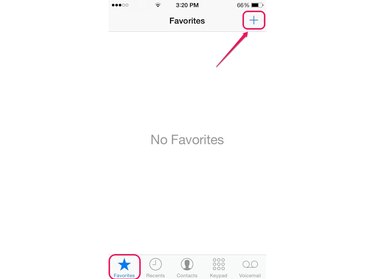
Launch the Phone app from your iPhone's Home screen. Tap the Favorites icon to open the Favorites screen and then tap the Plus icon to open the All Contacts screen.
Video of the Day
Step 2
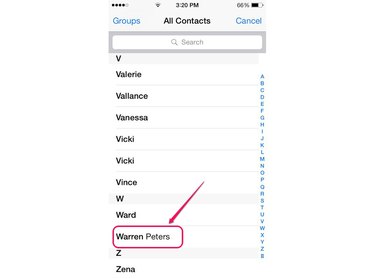
Scroll through your list of contacts and then tap the contact you want to add to the Favorites list.
Step 3
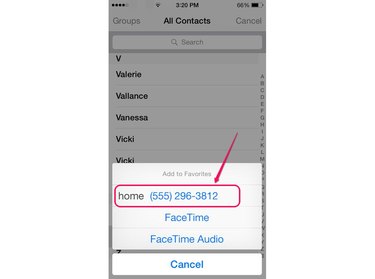
Select the contact's phone number from the pop-up menu. If applicable, select the FaceTime or FaceTime Audio option if the contact has a FaceTime-enabled Apple device. The contact immediately appears in the Favorites list with the number or FaceTime option that you selected.
Step 4
Tap the contact to automatically dial the number or make a FaceTime call.
Alphabetize Your Favorites
Step 1
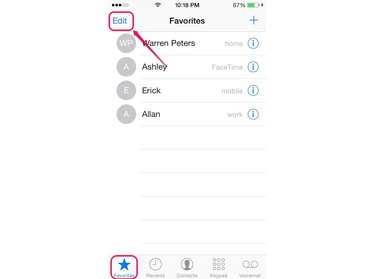
Open the Phone app, tap the Favorites icon and then tap Edit at the top of the screen.
Step 2
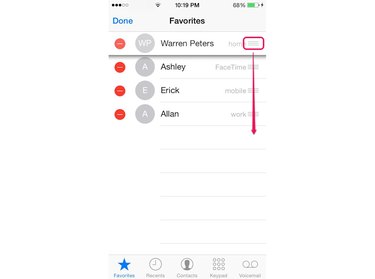
Tap and hold the icon resembling three lines to the right of the first contact you want to move. Drag the contact up or down the list to another position. Repeat the process for each contact until the list is in alphabetical order.
Step 3
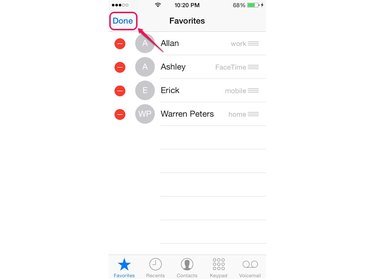
Tap Done to save the alphabetized list.
Delete A Favorite Contact
Step 1
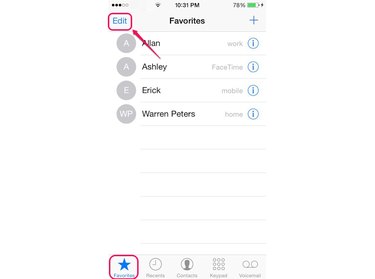
To delete a Favorite contact, tap the Phone icon to launch the Phone app and then tap the Favorites icon. Tap Edit.
Step 2
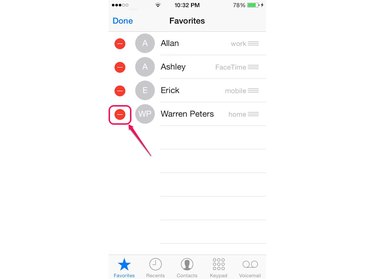
Tap the icon resembling a red circle next to the contact you want to delete to display the Delete button.
Step 3
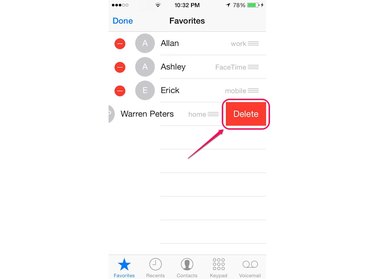
Tap the Delete button to remove the contact from your Favorites list.
Step 4
Tap Done to complete the process.