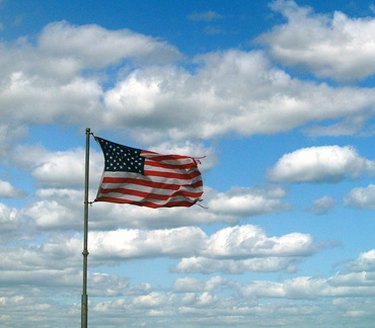
Cell phone signals can be affected by the weather. Too much and too little moisture in the air can affect the strength of your cell phone signal. However, heavy winds generally do not affect signal strength.
Cell Phones and the Weather
Video of the Day
Your cell phone's signal can be affected by the environment. Heavy rain or too much aridity in the air both weaken cell phone signals (for best reception, some moisture in the air is good, but not too much). Clouds can also weaken signals. Even solar flares can affect your signal, but strong winds alone do not affect the signal.
Video of the Day
Cell Phones and the Wind
There is no evidence that strong winds directly affect cell phone signals. If the wind is accompanied by heavy rain or lightning, your reception may definitely be affected, but the wind on its own should not affect the signal.
Considerations
If your cell phone signal weakens during a storm, it's most likely due to heavy rain or lightning, or even weather damage to a nearby cell phone tower, but it's unlikely to be caused by strong winds.