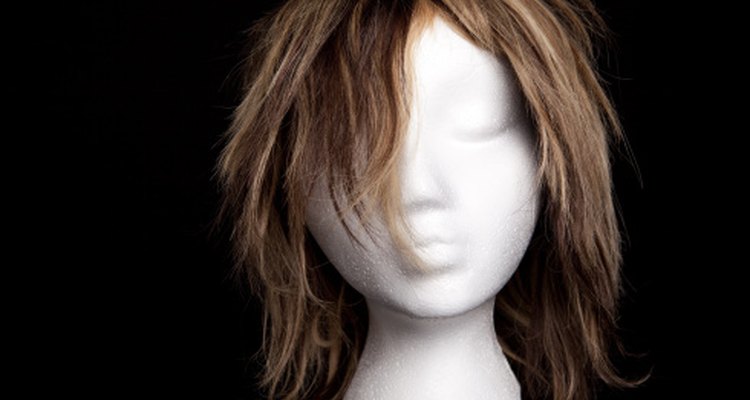
Whether you require a wig for medical reasons or you just want to try a new look, online virtual wig programs allow you to see what you would look like with a new hairstyle. You can achieve the same effect through online makeover programs. After trying various hairstyles on these sites, either a specific wig program or a makeover program, you can search for a wig that matches what you liked best.
UK Hairdressers
UK Hairdressers is a website specifically designed for viewing different wigs for your face shape. According to the website, you can try on 382 different hairstyles. First, choose a face shape that resembles yours, and you can change the size of the face and hair to better view exactly how the hairstyle would look on you. With all the different options, you can easily find a wig that is perfect for your particular style.
Sunsilk
Sunsilk offers an online makeover page that allows you to choose from various hairstyles. You must create a sign-in name and password, but it is free. Next, you can either upload a photo of yourself or choose a face shape resembling your own and try different hairstyles. You can browse specific hair styles based on length and color. After finding something that you think best suits you, you will be better equipped to go out and find a wig that resembles that hairstyle.
Hairmixer
Hairmixer is another website that allows you to try an assortment of hairstyles. The main purpose of this website is to help you get ideas about the kind of wig you might want to buy. For the best results, upload a picture of yourself rather than using one of the models available on the site, so that you know exactly how the hairstyle would look on you. Choose hairstyles by browsing through the celebrities section. You may also have the option to change the color of the hair.
Hollywood Makeover
Not only can you find a wig that will fit your personality perfectly, but you can also model your new hairstyle after celebrities. Hollywood Makeover allows you to choose the hairstyles of celebrities and try them on yourself. You can upload a picture of yourself to the site and try cutting-edge celebrity hairstyles.
Related Articles

Where Can I See Myself With Different ...

How to See What Your Hair Looks Like ...
How Are Highlights Done in a Salon?
How to Find Free Online Makeovers & ...

Uploading Photos for Face Shape Analysis

How to Fix Messy Hair Pictures
How to Make Wigs Look Natural
How to Choose Hair Color for Gray Eyes
How to Highlight Hair Using a Cap

How to Make a Family Tree Using a Free ...

How to Remove Hairspray From Wigs

How to Wear New Era Hats

How to Use Motions Hair Relaxer
How to Cut Bangs Into a Bob Wig

How to Cut a Long Synthetic Wig Short

How to Get Rid of Highlights in Your ...

Can You Dye Wigs?
How to Find a Japanese Penpal
Where to Look Up Someone by Email ...
How to Use Hot Rollers on a Wig
References
Writer Bio
Chelsea McKelvey has been writing professionally since 2007. Her work has appeared in "Stillpoint" magazine and she has self-published a book of poetry, "Fleet of Minds." She has also been published in "In Stereo Press." She holds a Bachelor of Arts in English and a Bachelor of Science in Education from the University of Georgia.
Photo Credits
Sharon Dominick/Photodisc/Getty Images